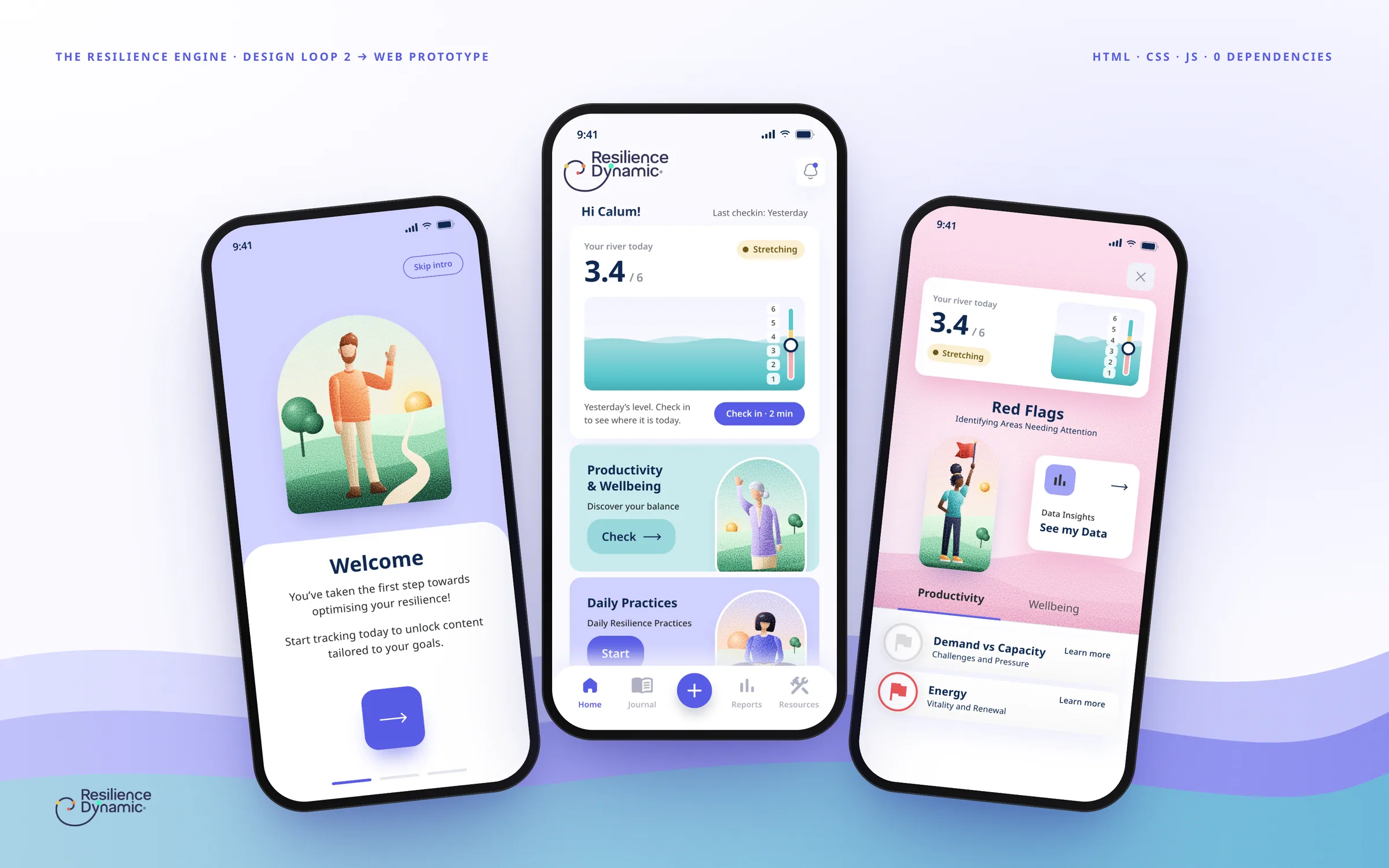
I designed the resilience app for an Edinburgh consultancy, and it launched. In 2026 I took my Figma file to a 15-screen prototype you can actually use, with the missing screens designed and a river that rises and falls with your day.
Client
The Resilience Engine · Edinburgh (now Resilience Dynamic)
Year
2023 · prototype in 2026
Role
Product Designer, from the app in Figma to the prototype in code
The Resilience Engine, an Edinburgh consultancy, teaches that resilience rises and falls like the level of a river. A high river flows over the rocks, a low one gets pushed off course. In 2023 I designed the app that helps people notice the drop in time, and it launched. In my Figma file, though, four screens of the core loop stayed at wireframe, and a static file can’t show what happens after a tap.
In 2026 I took that file to a 15-screen prototype you can use. The design stayed as it was, and the missing screens came from the system’s own components. Answer the check-in and the river really rises or falls. That’s what I deliver: from design to a working product, with product judgement and AI in production, in days, not months.
4core-loop screens that were only wireframes, now designed
1person from design to code, with AI in production
7questions in a two-minute check-in
3named zones, so colour is never the only signal
10onboarding steps that teach the method
01 — The problem
Warn people before the river runs too low
People who are running out of steam at work tend to notice late. The app centres on a check-in of seven questions, from demand at work to sleep, that becomes a level from 1 to 6 and a zone in the RAG method, from green to red. Every area in the red becomes a red flag and leads to a short tool or a pathway.
My file already had almost all of it, from the onboarding to the practice player. What it lacked was the core loop: creating an account, setting up the check-in, answering it and seeing the result were still wireframes.
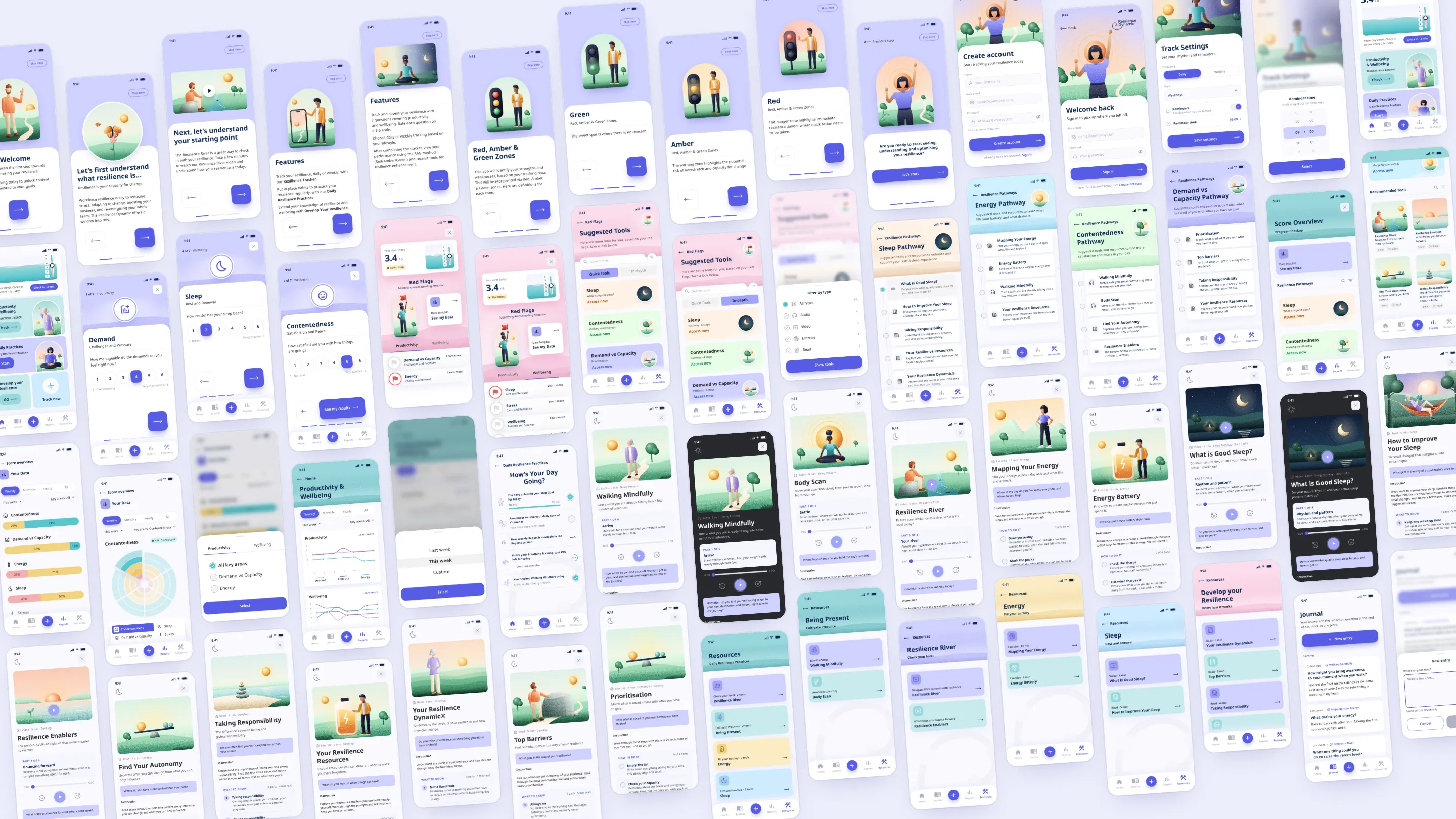
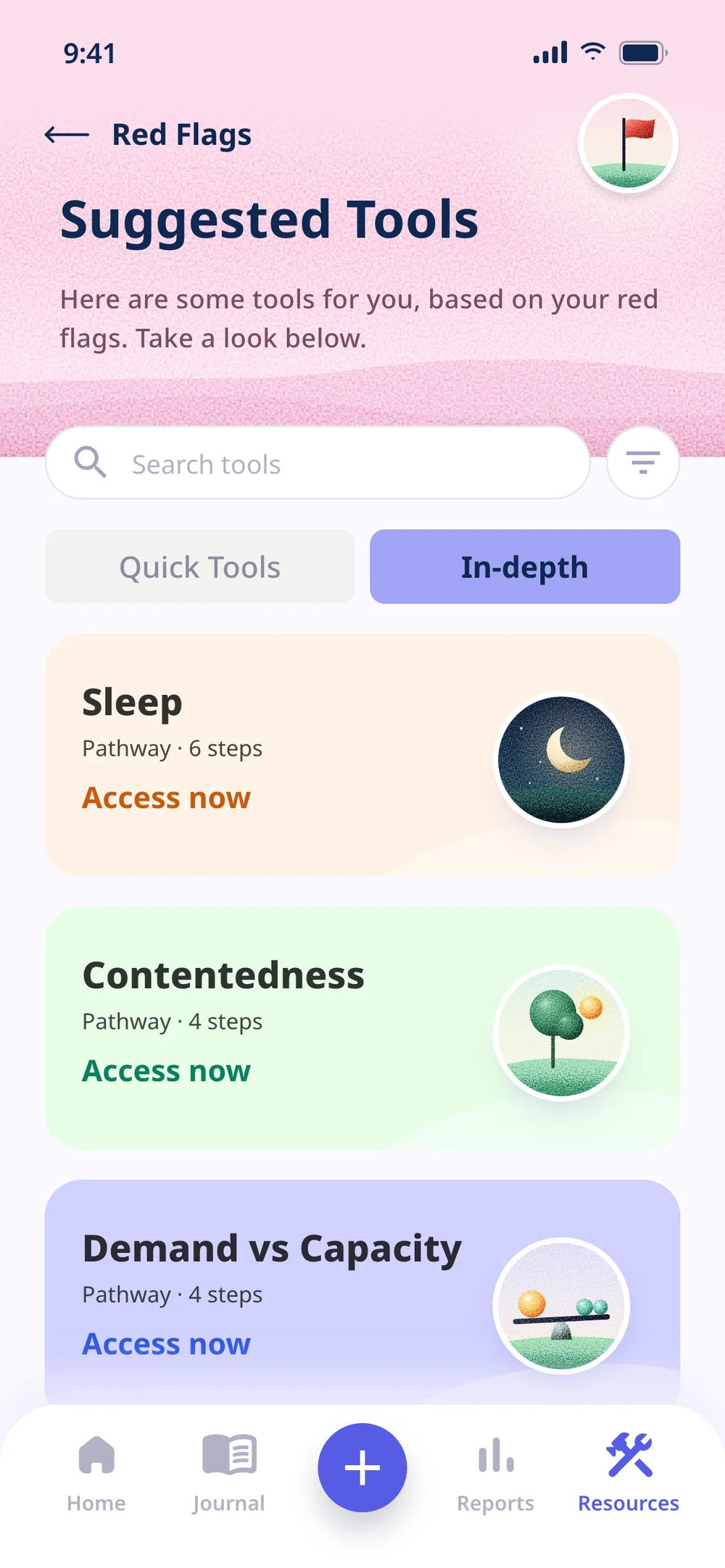
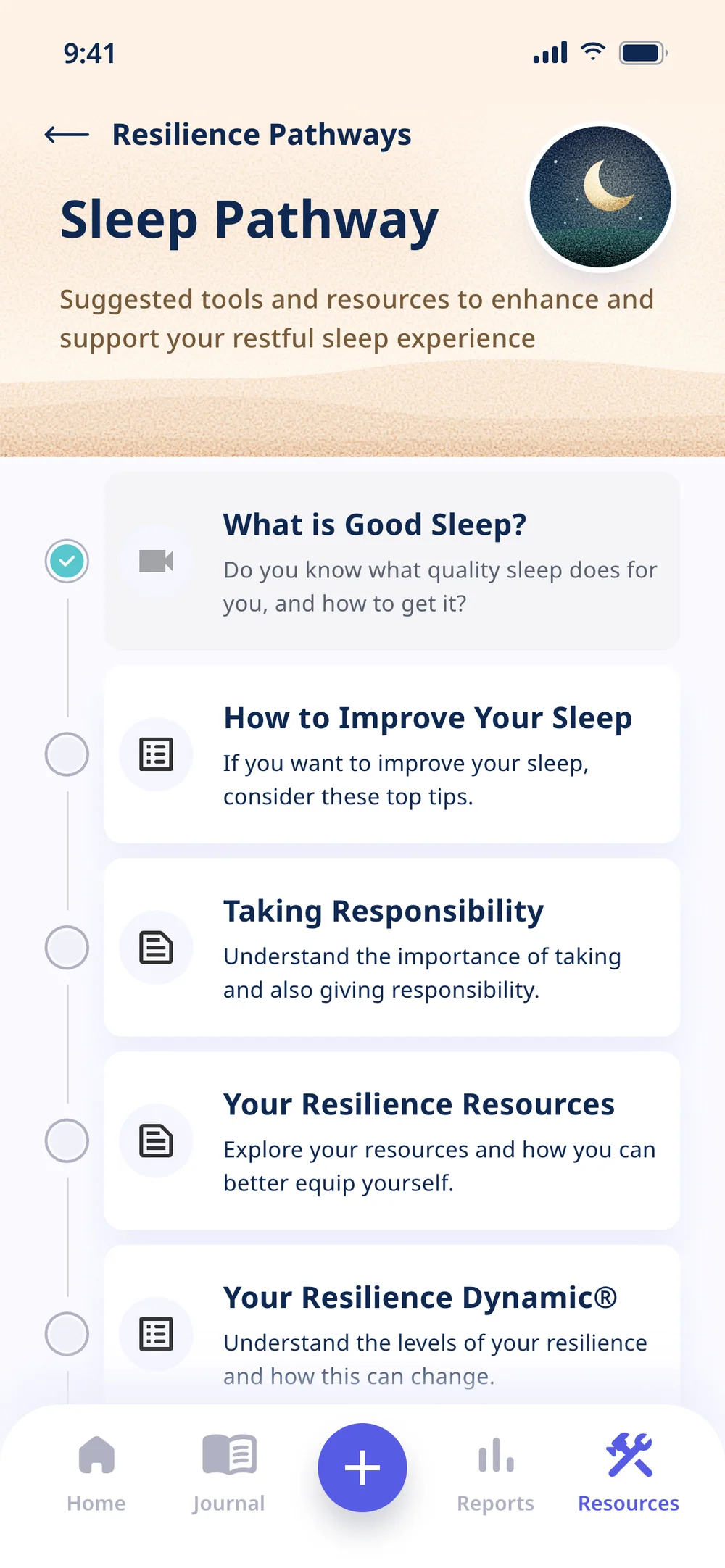
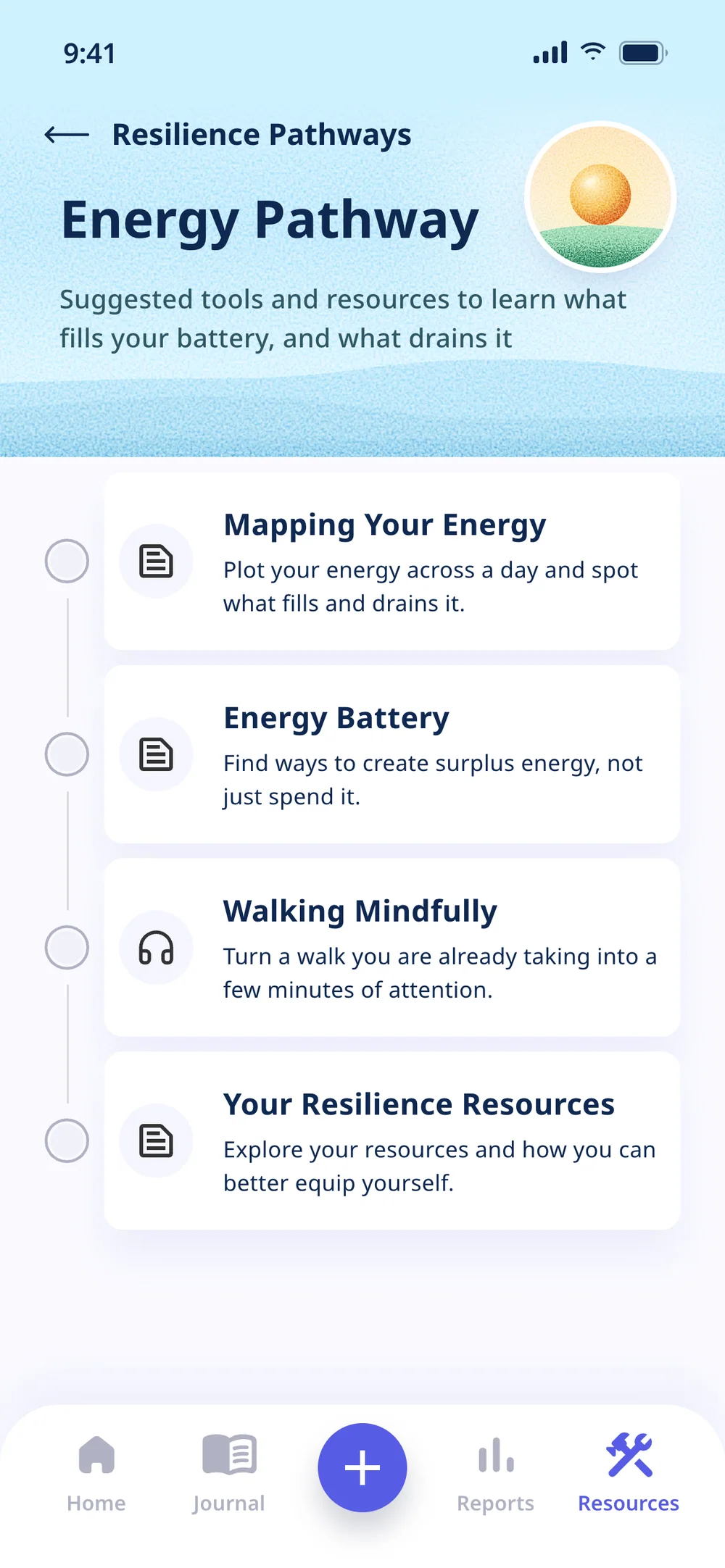
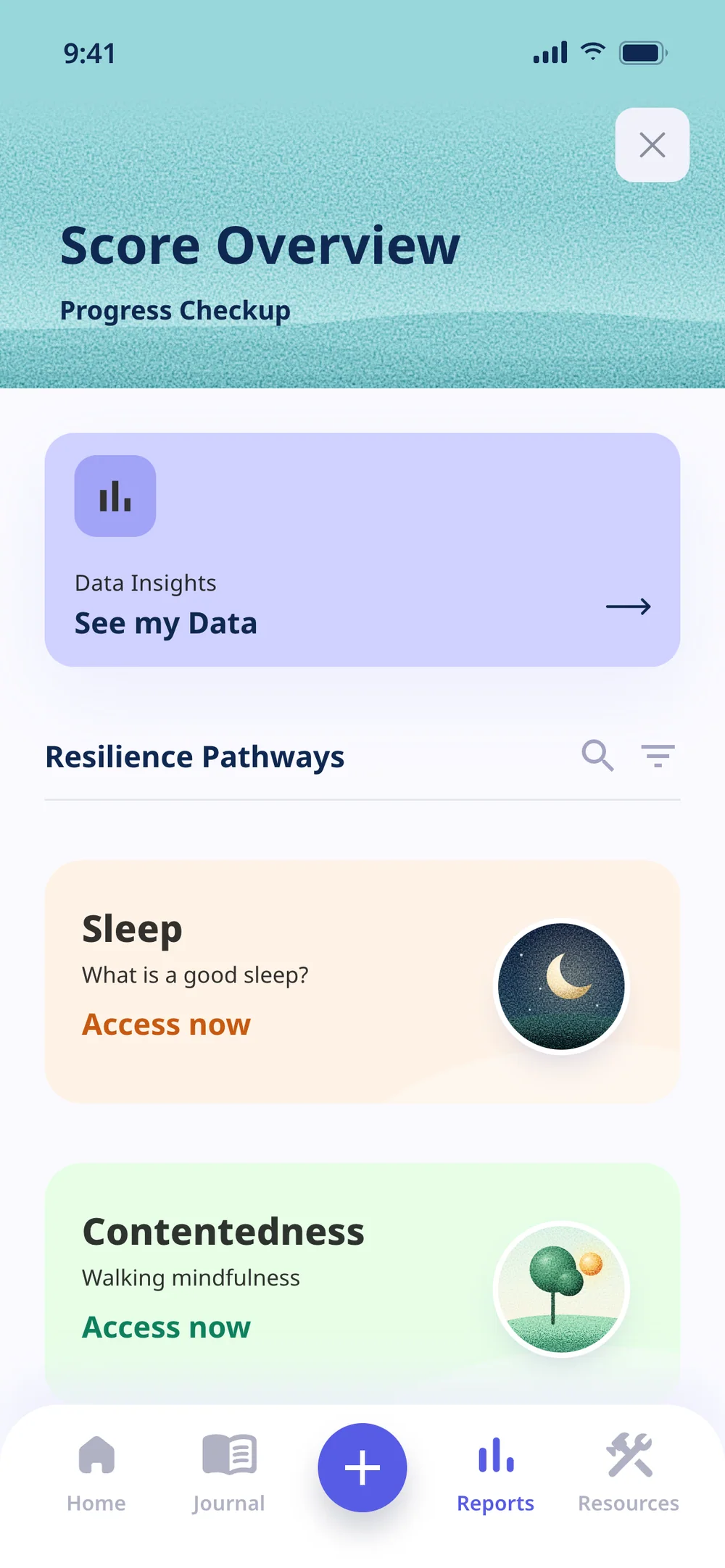
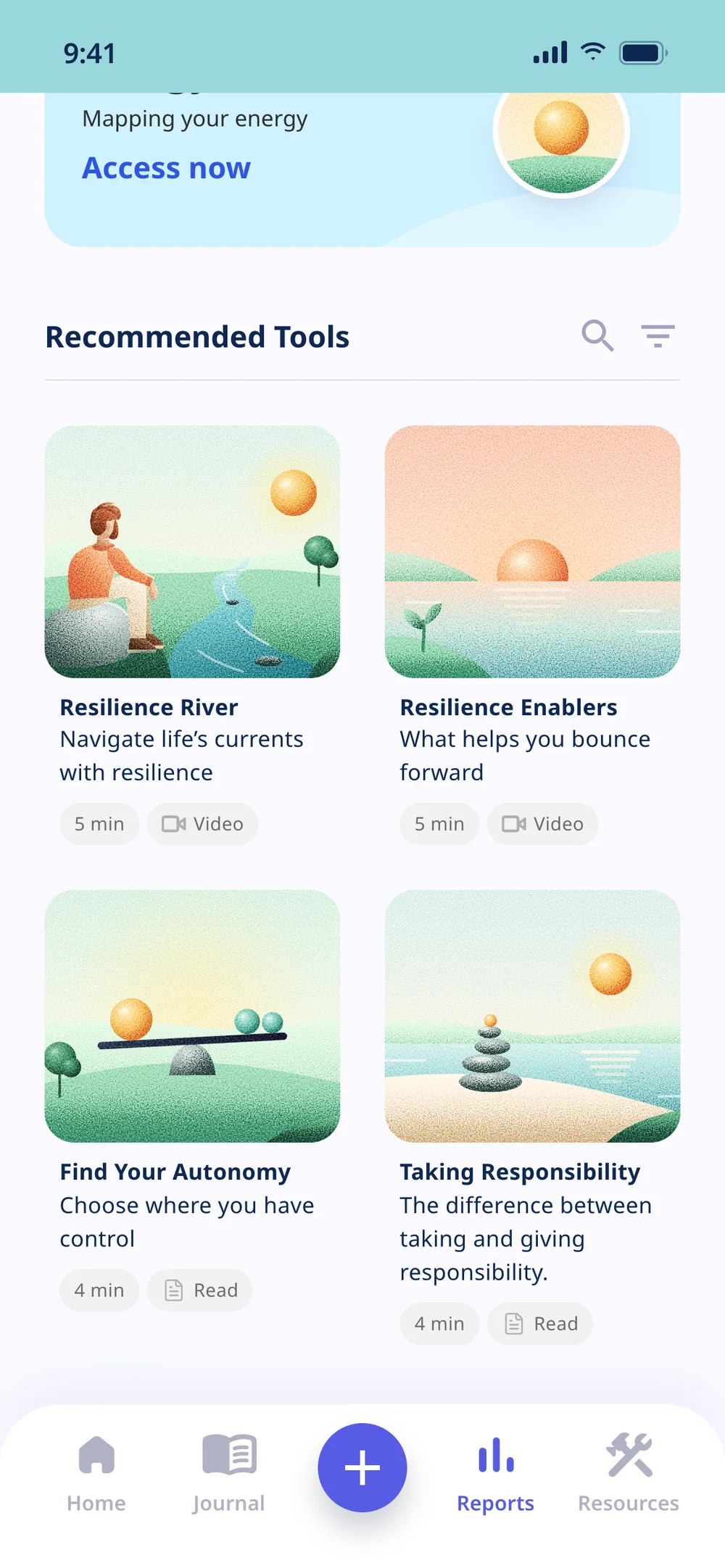
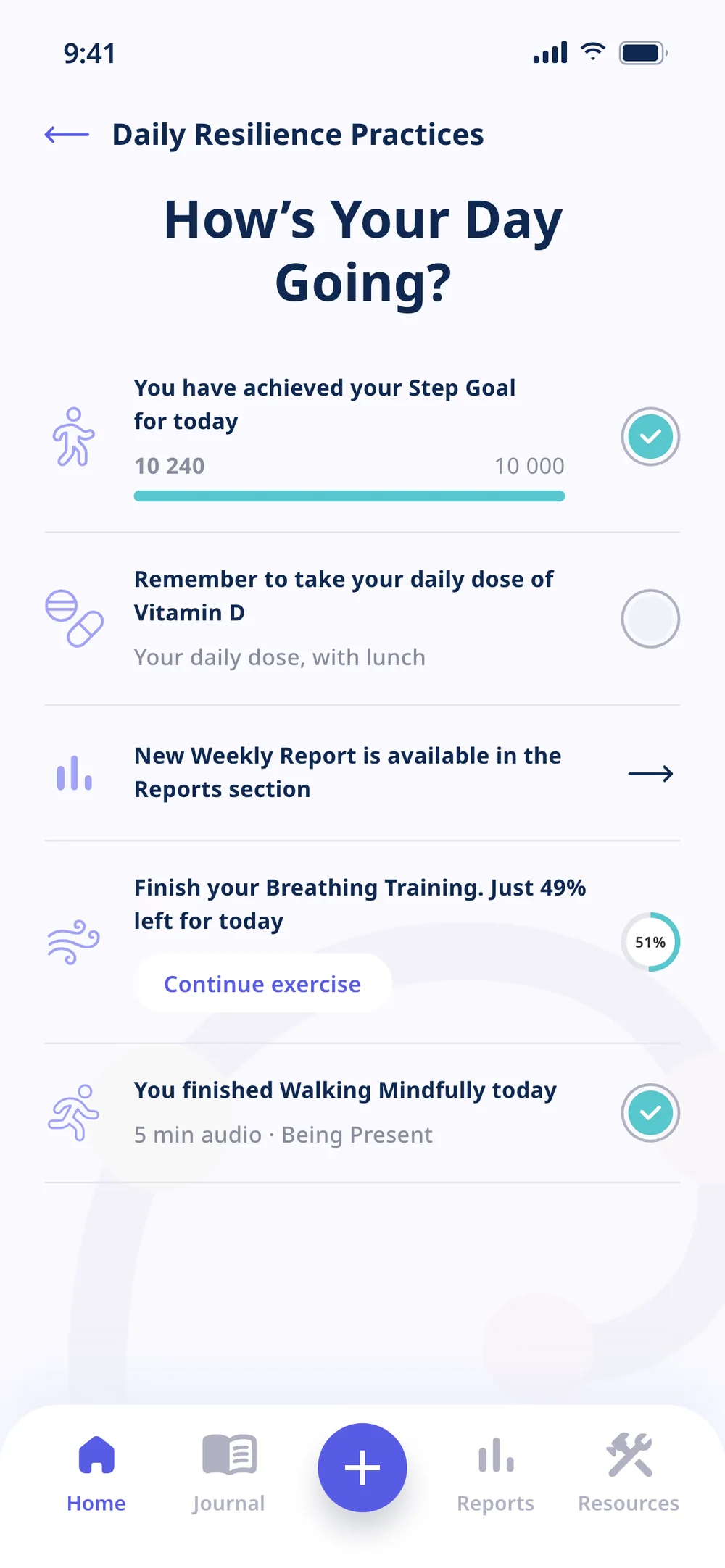
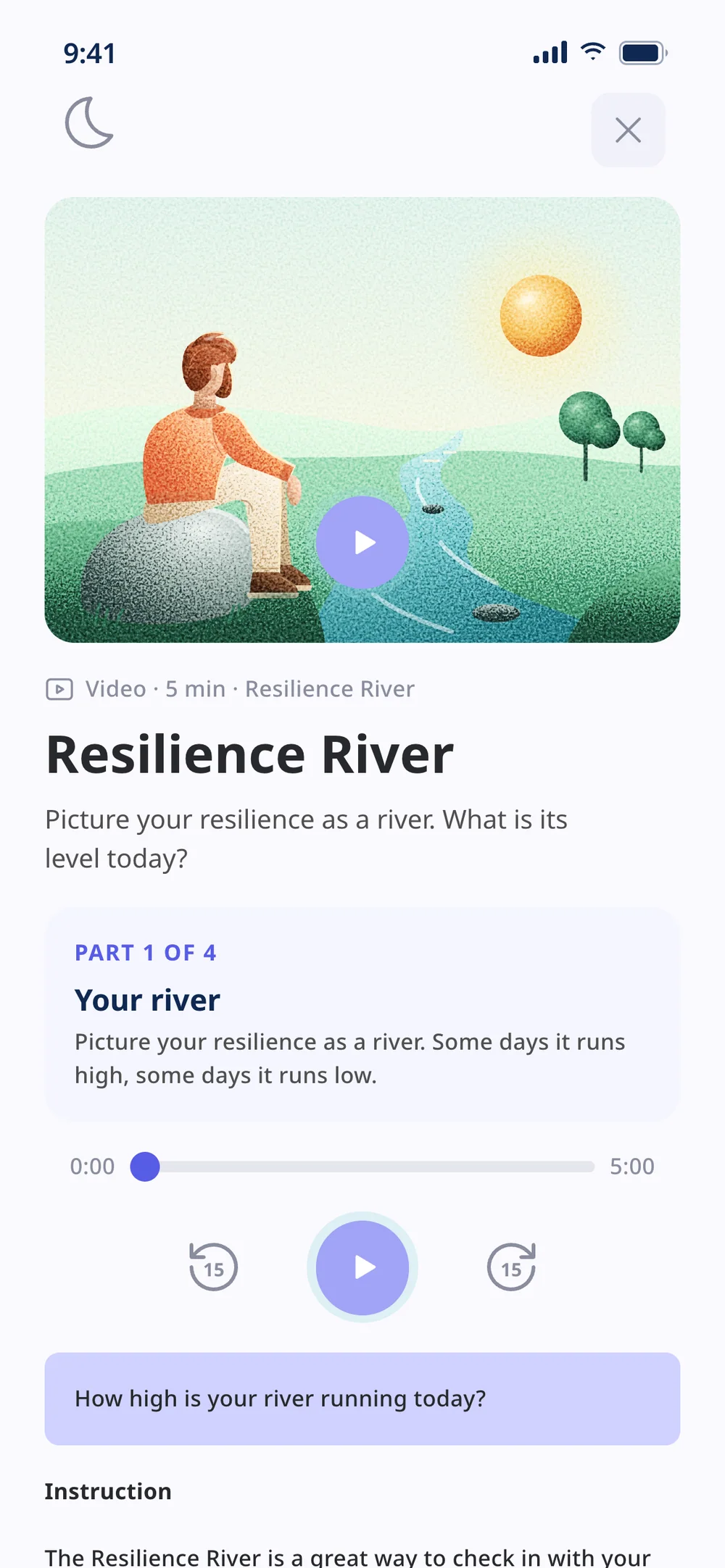
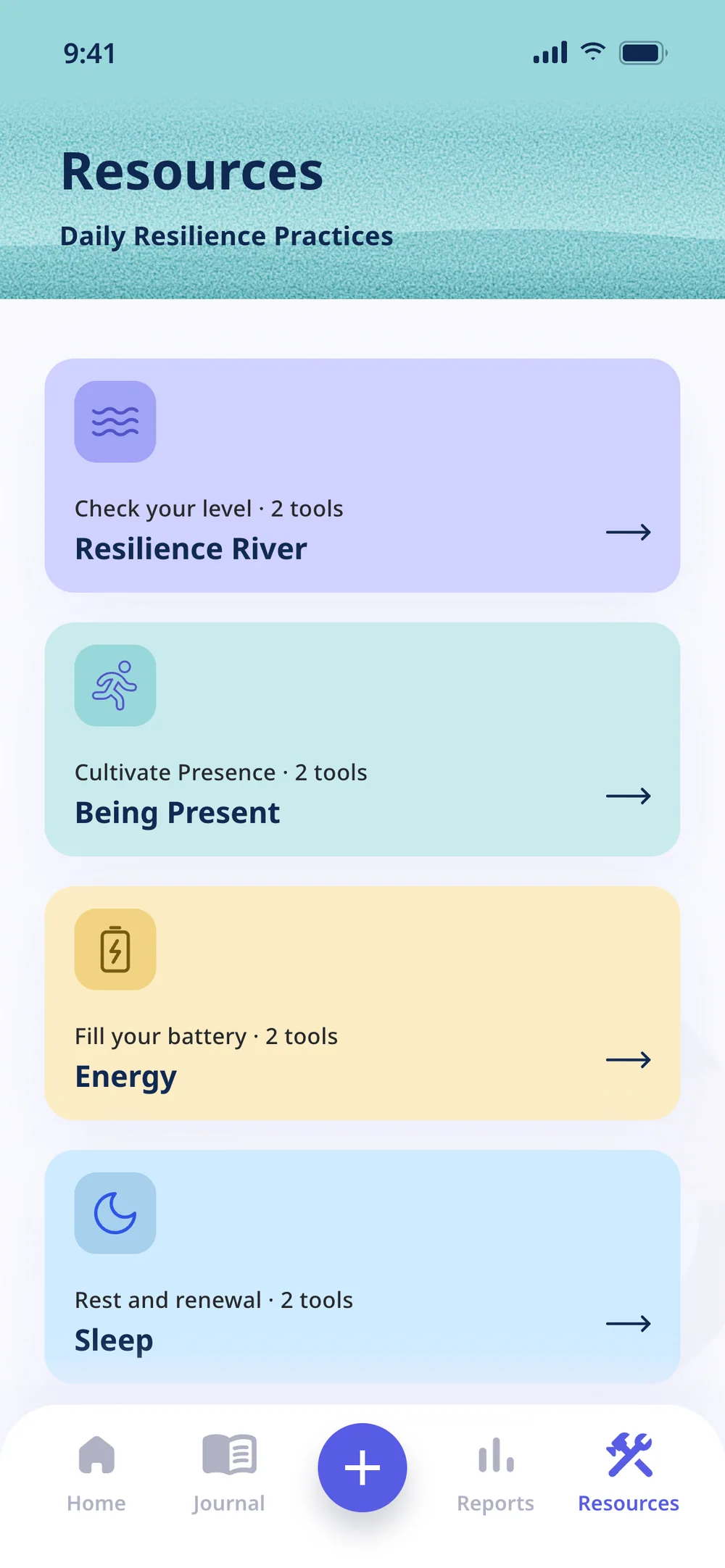
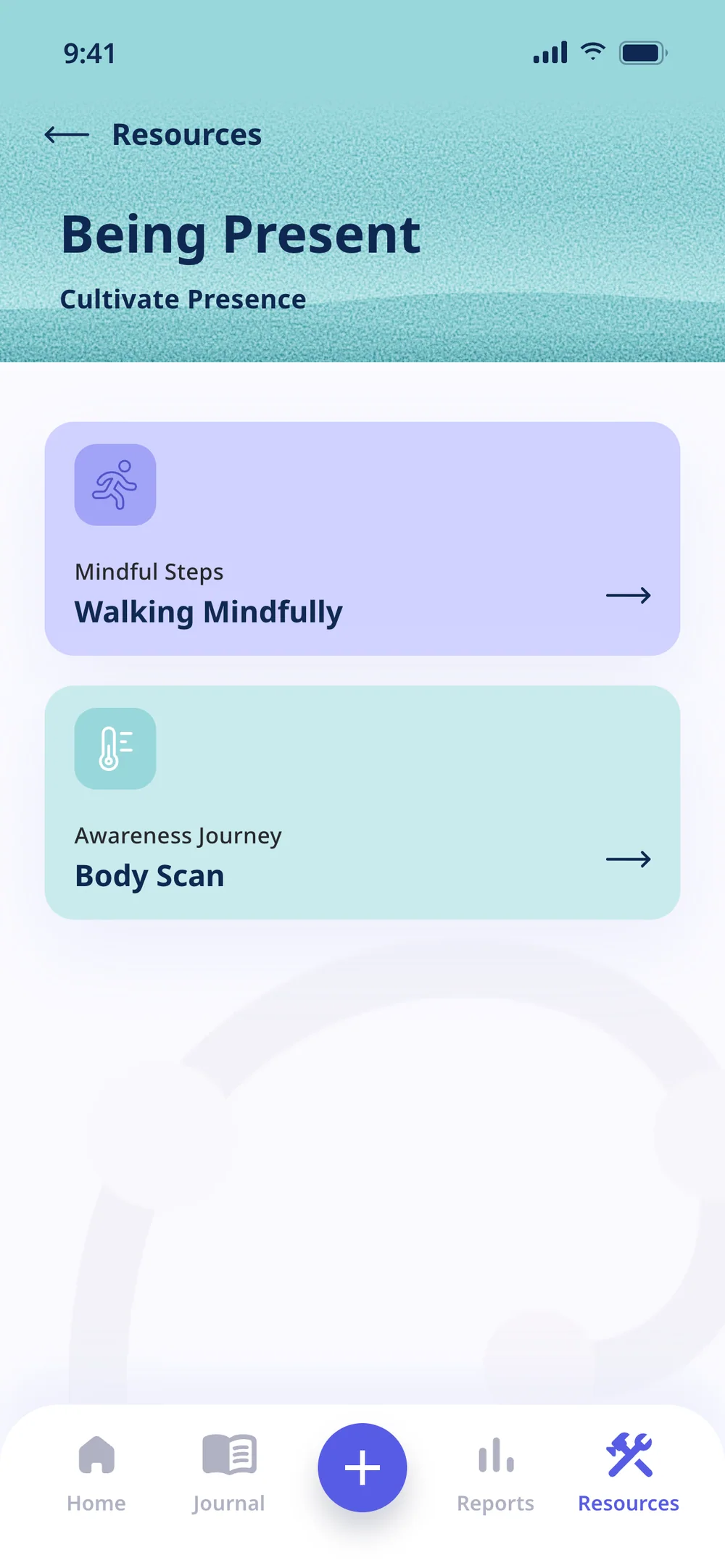
The whole app in the prototype, screen by screen, including the four screens that were wireframes.
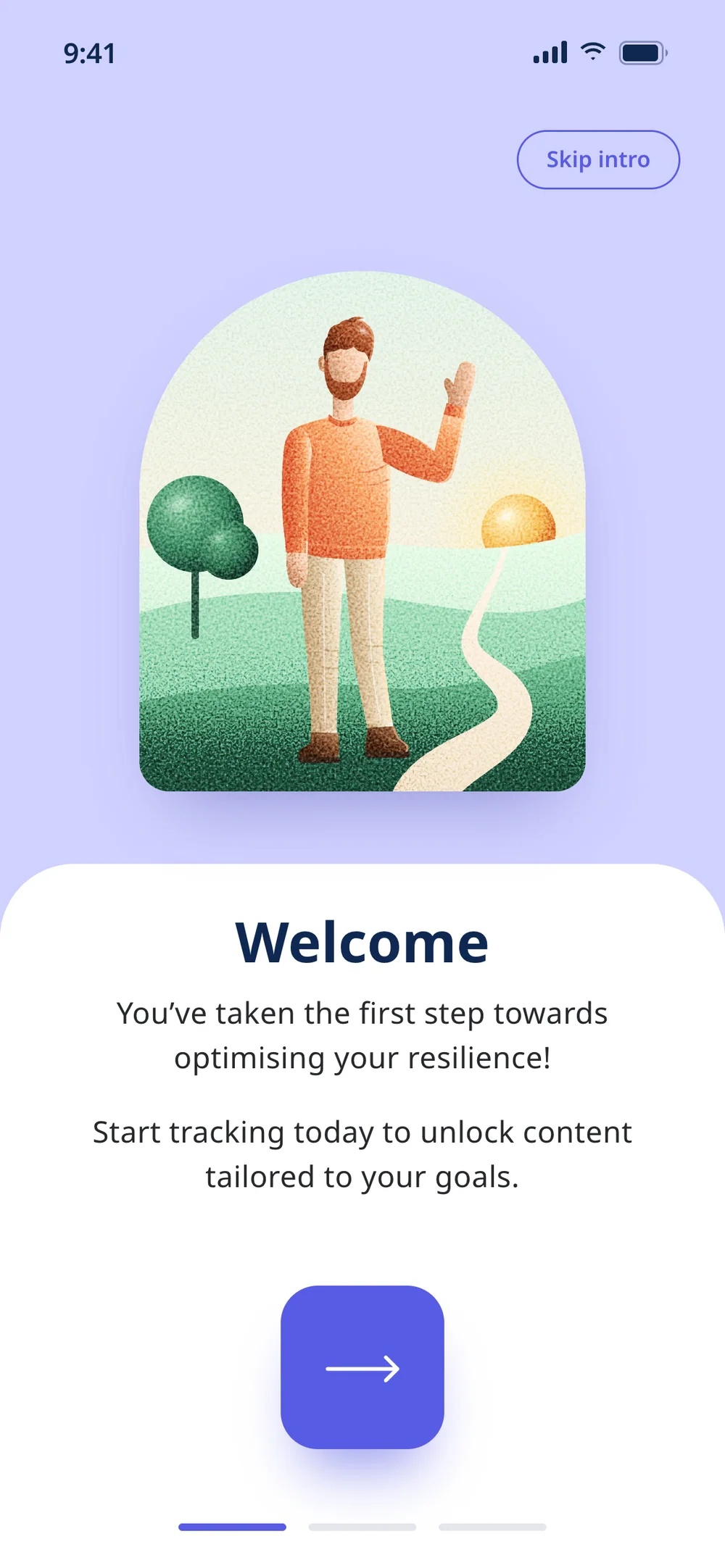
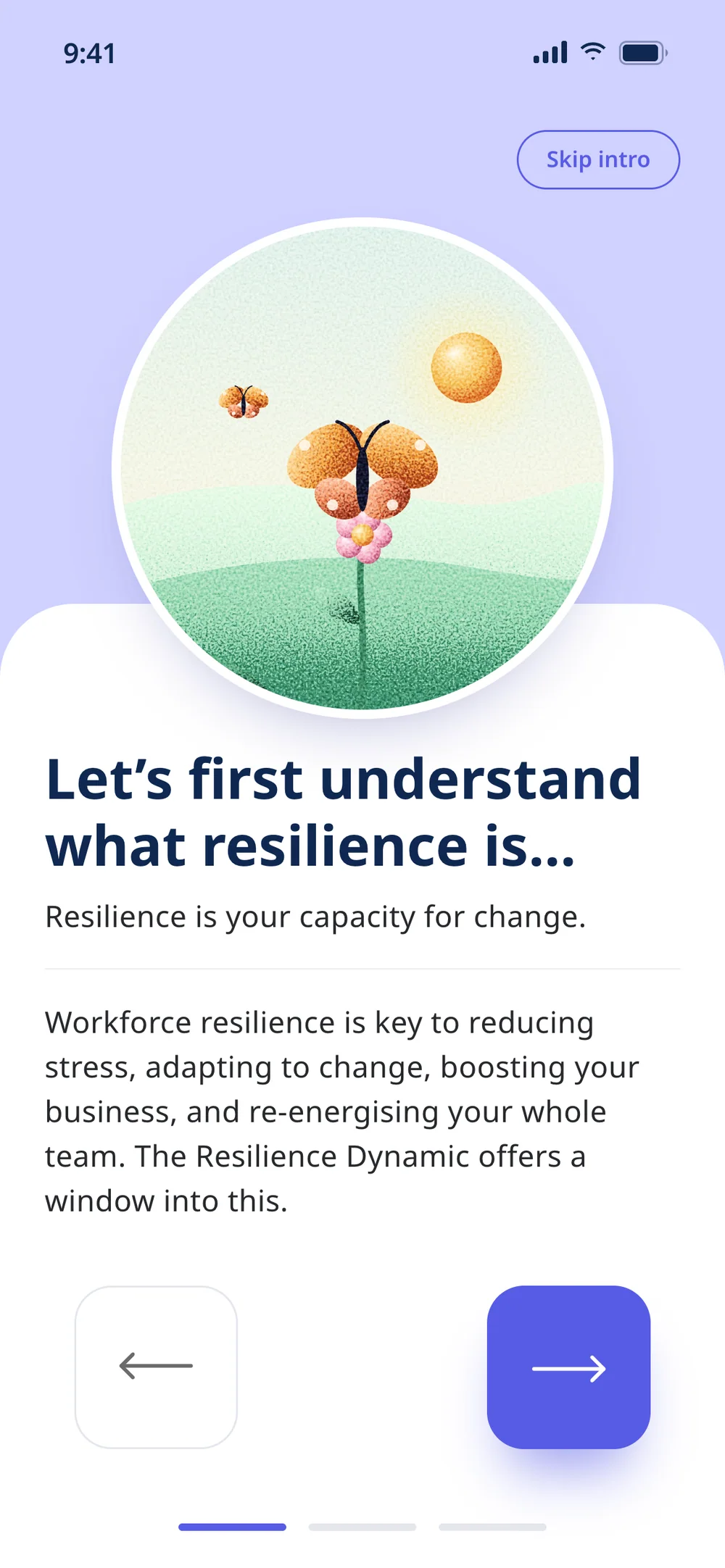
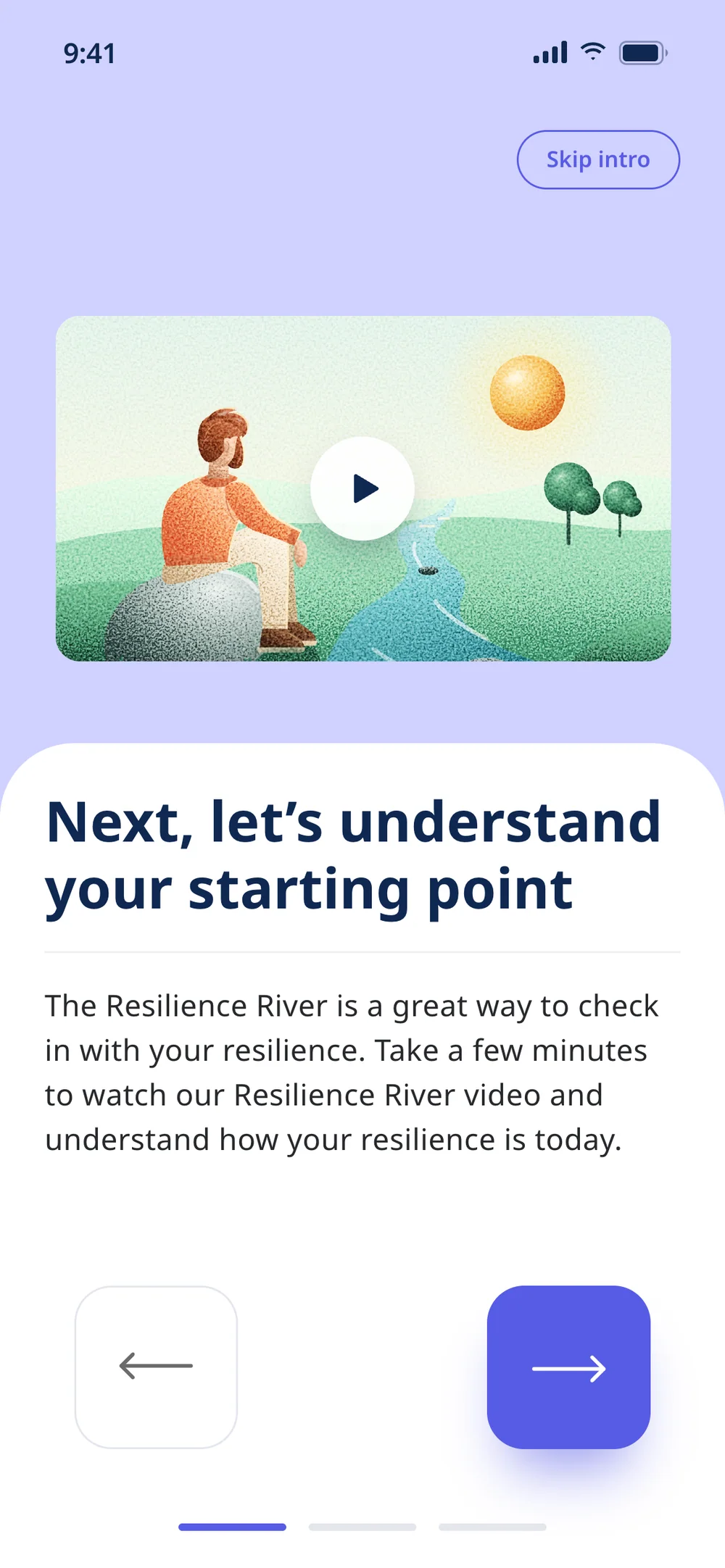
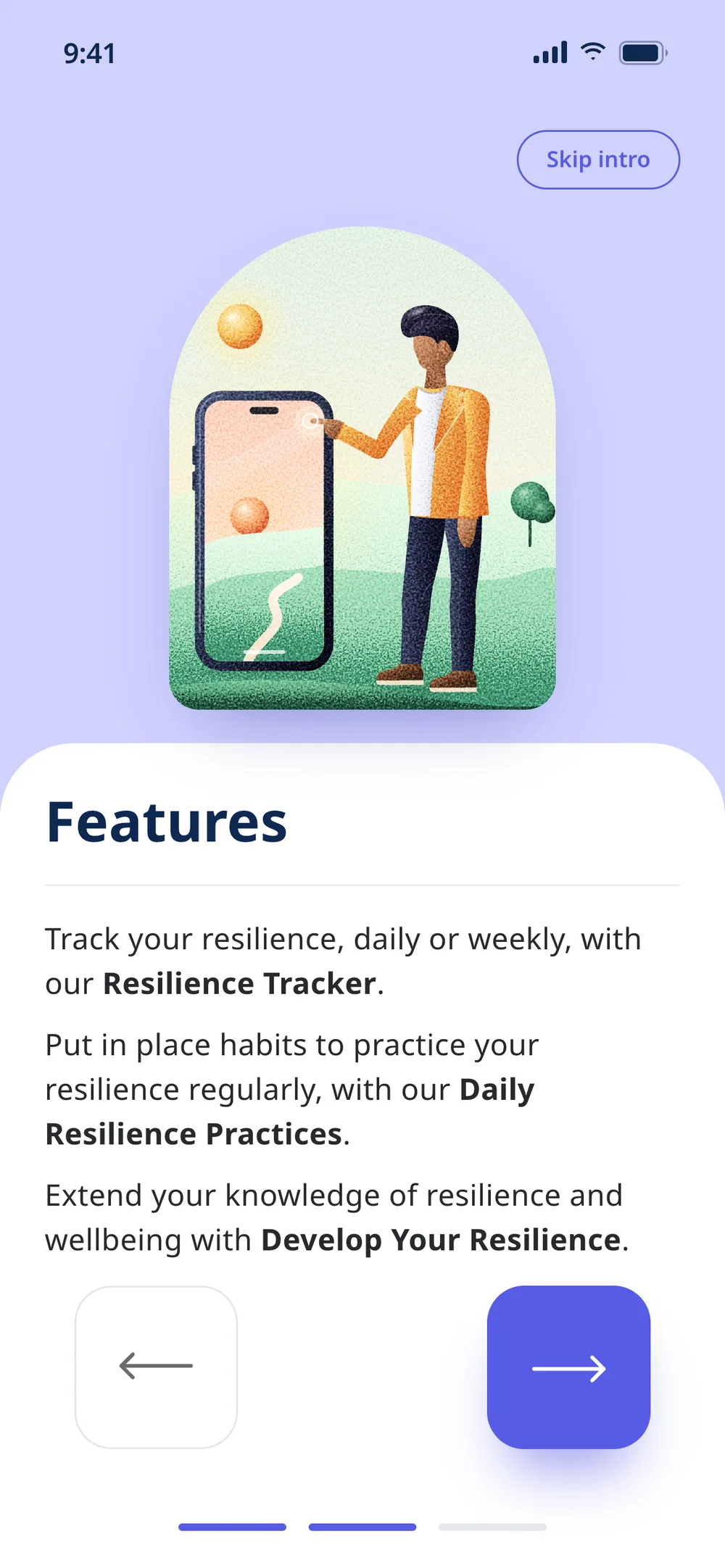
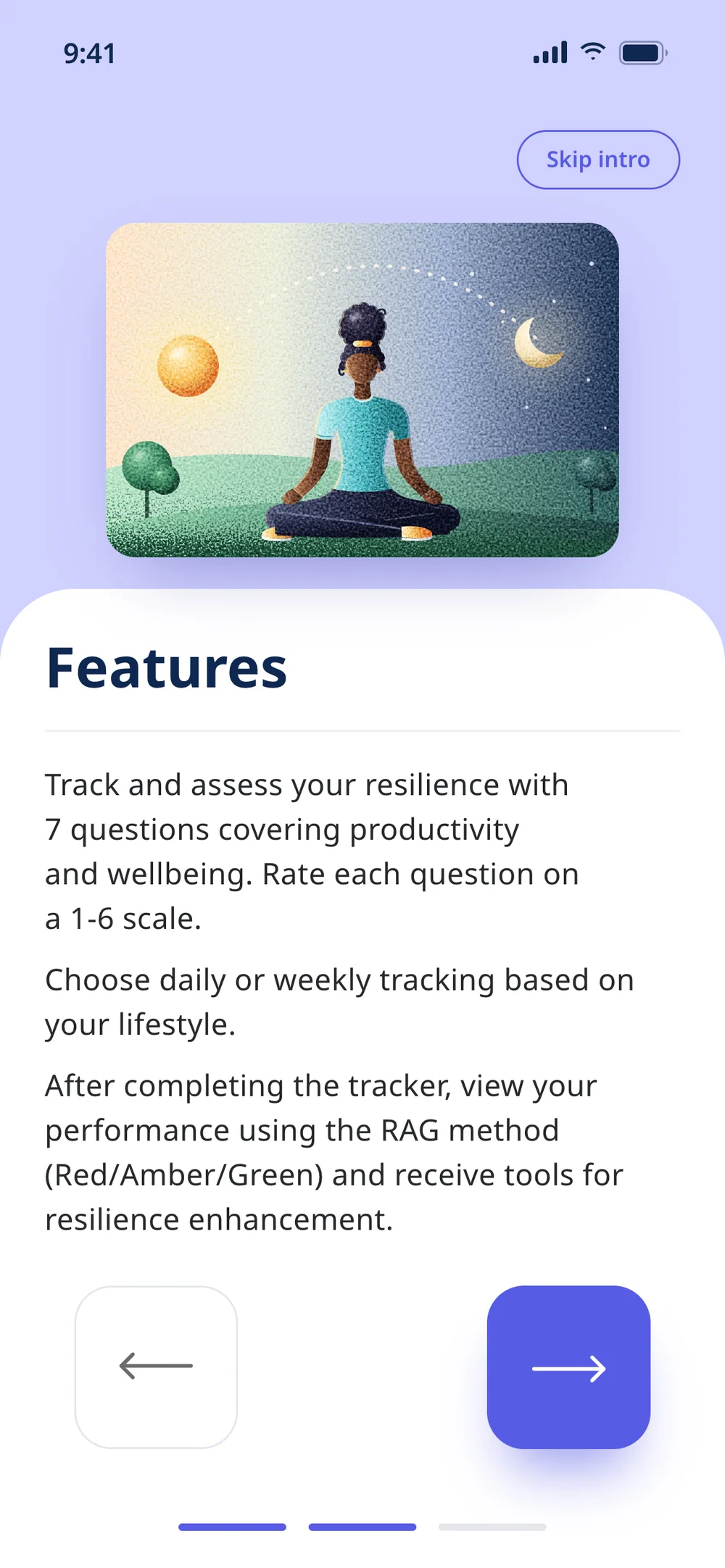
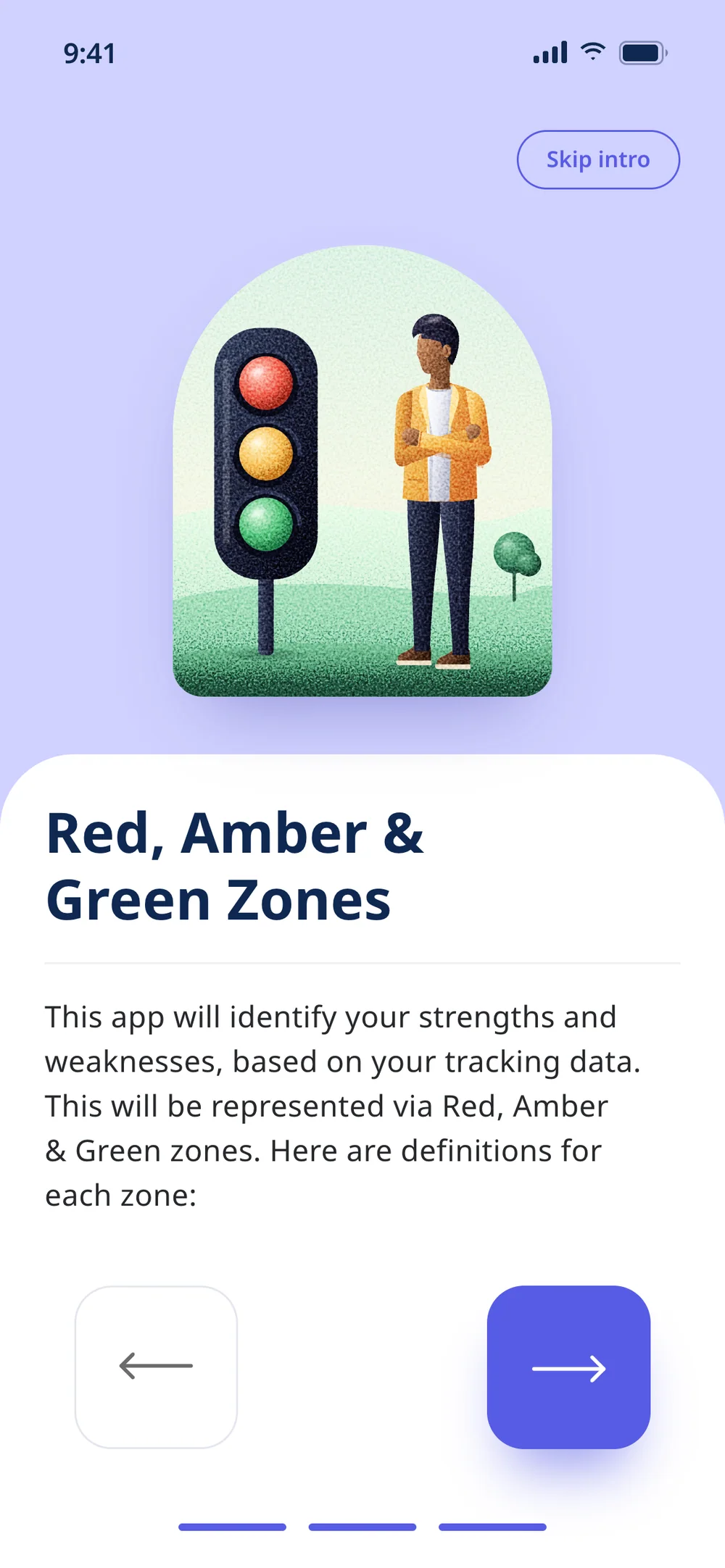
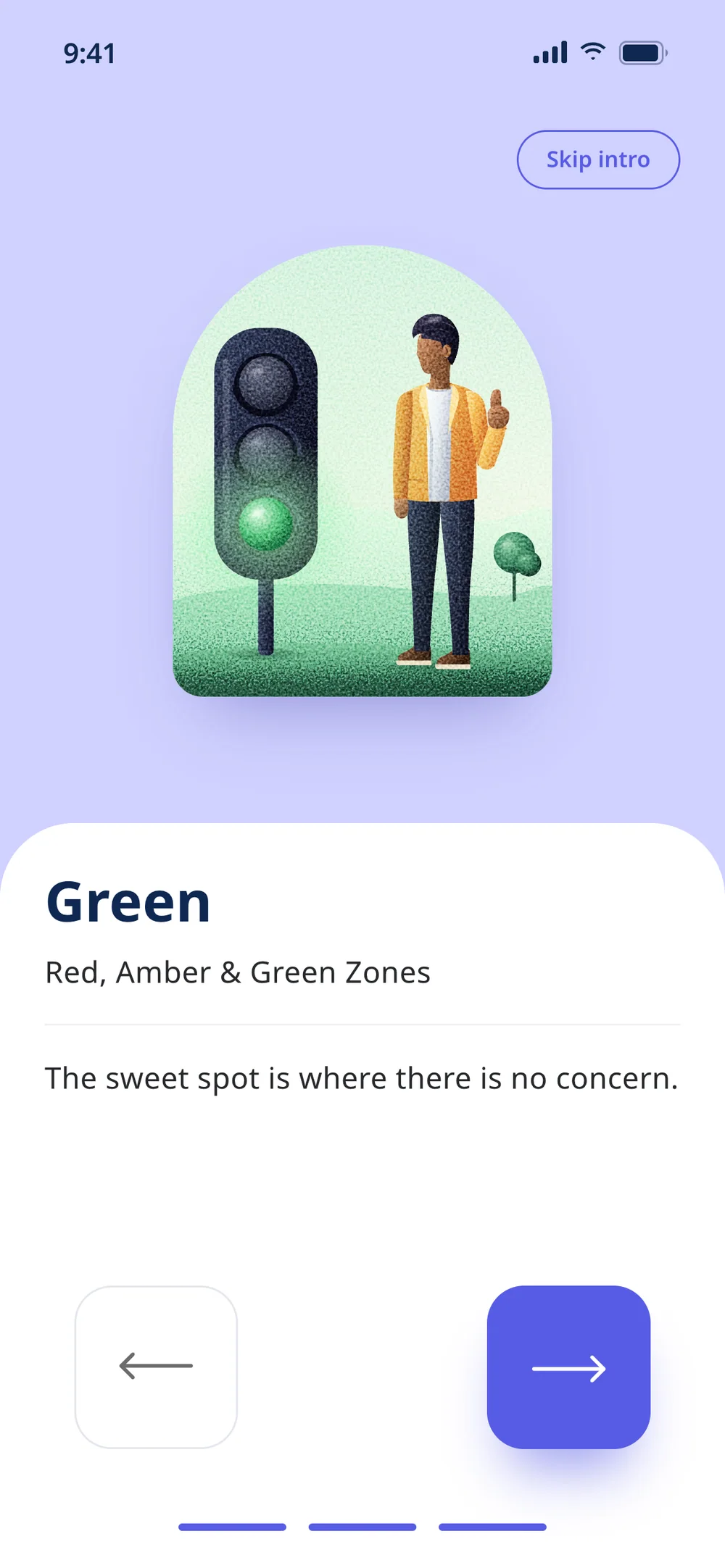
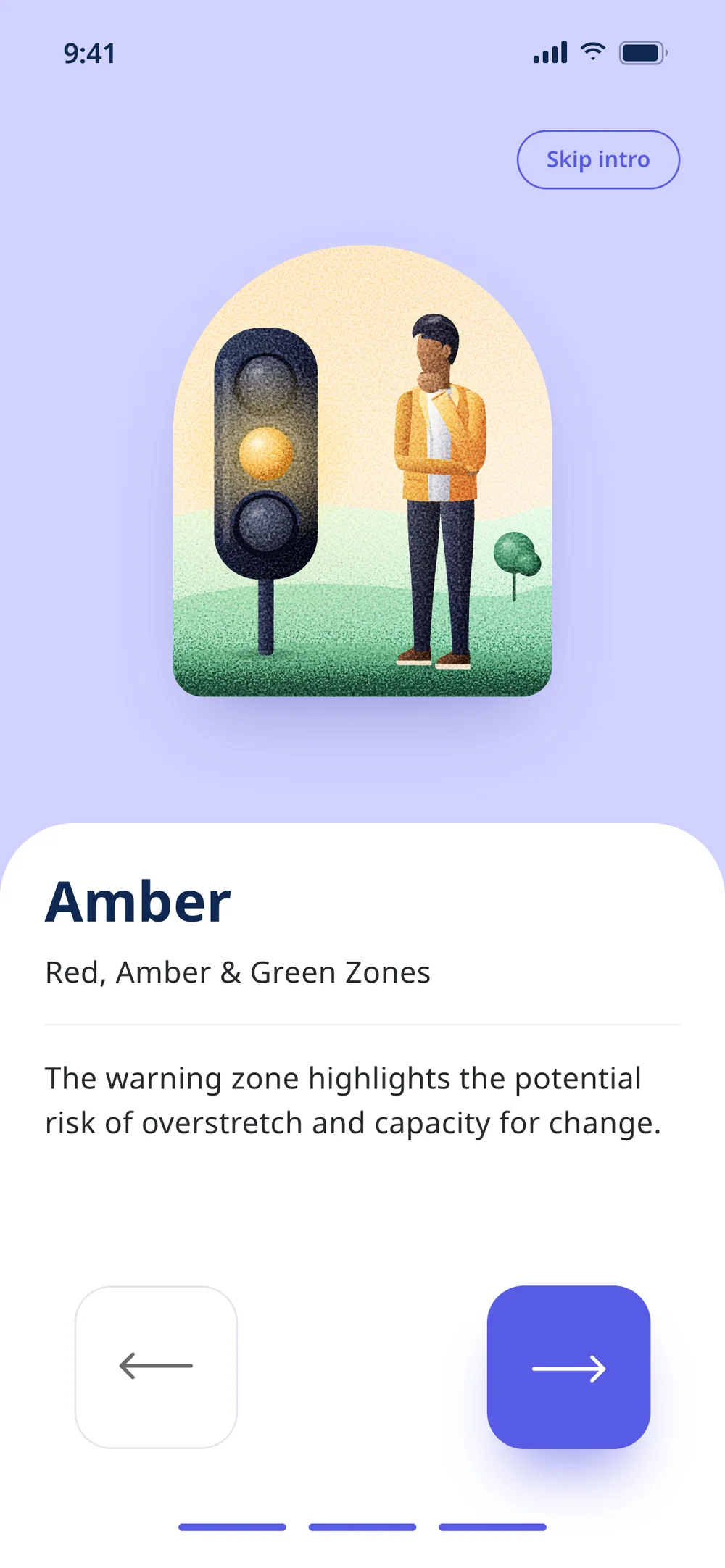
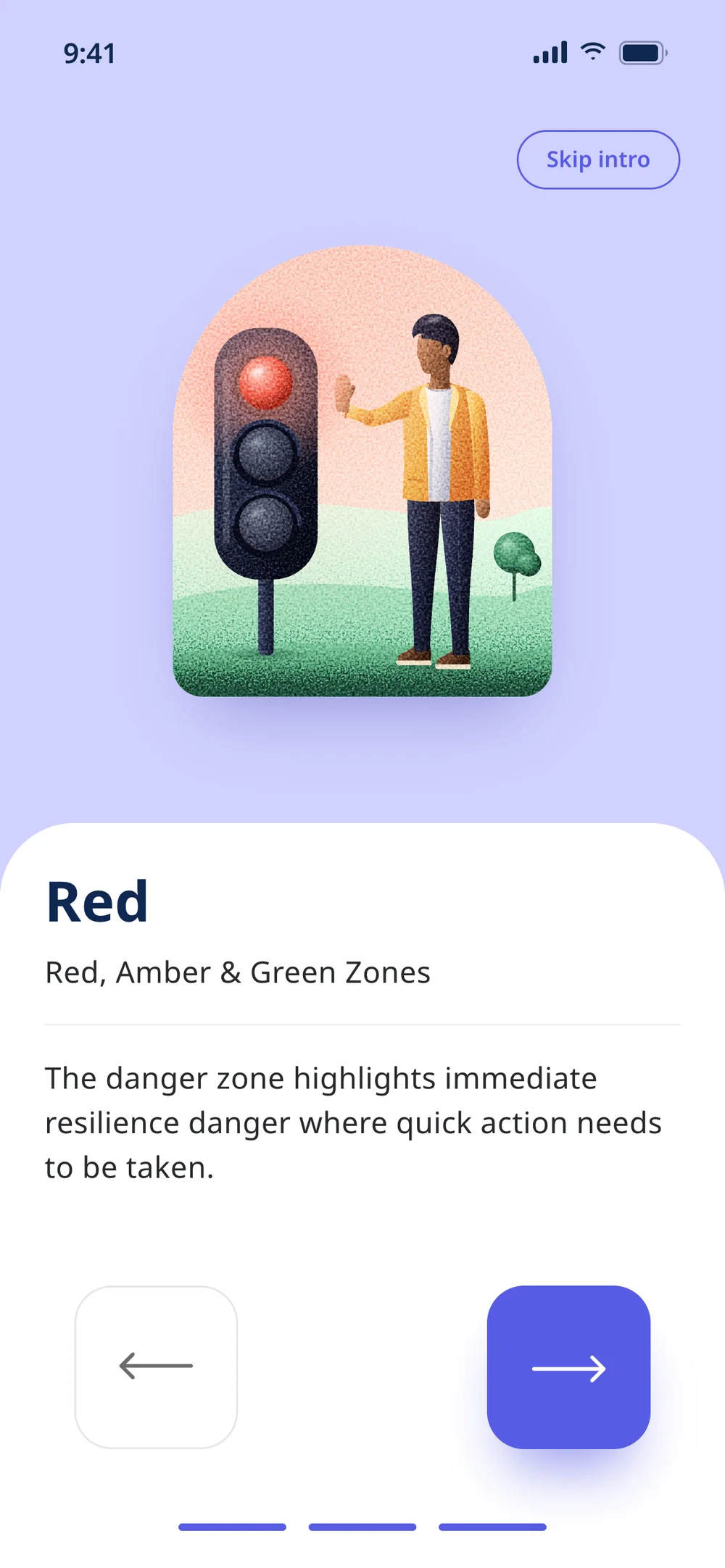
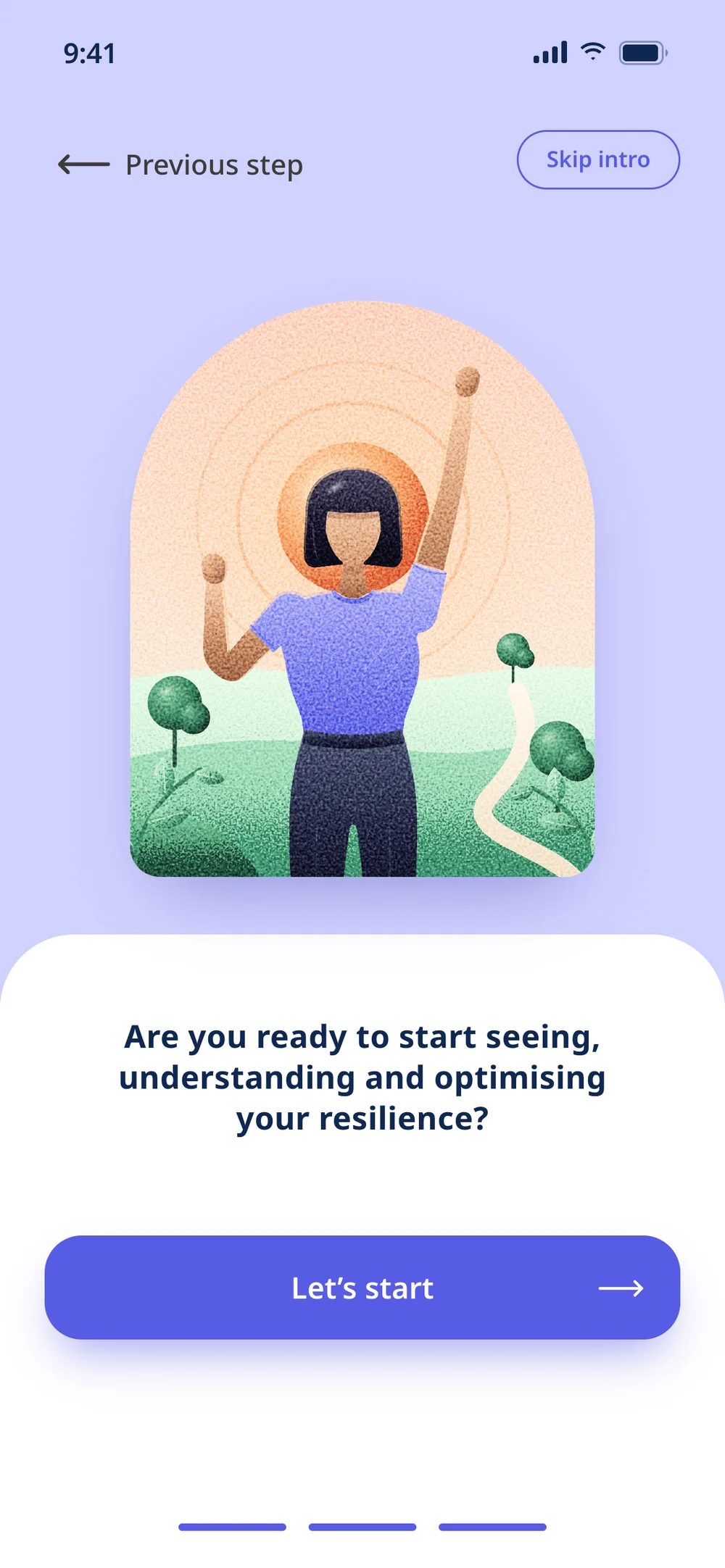
The onboarding: the method in ten steps
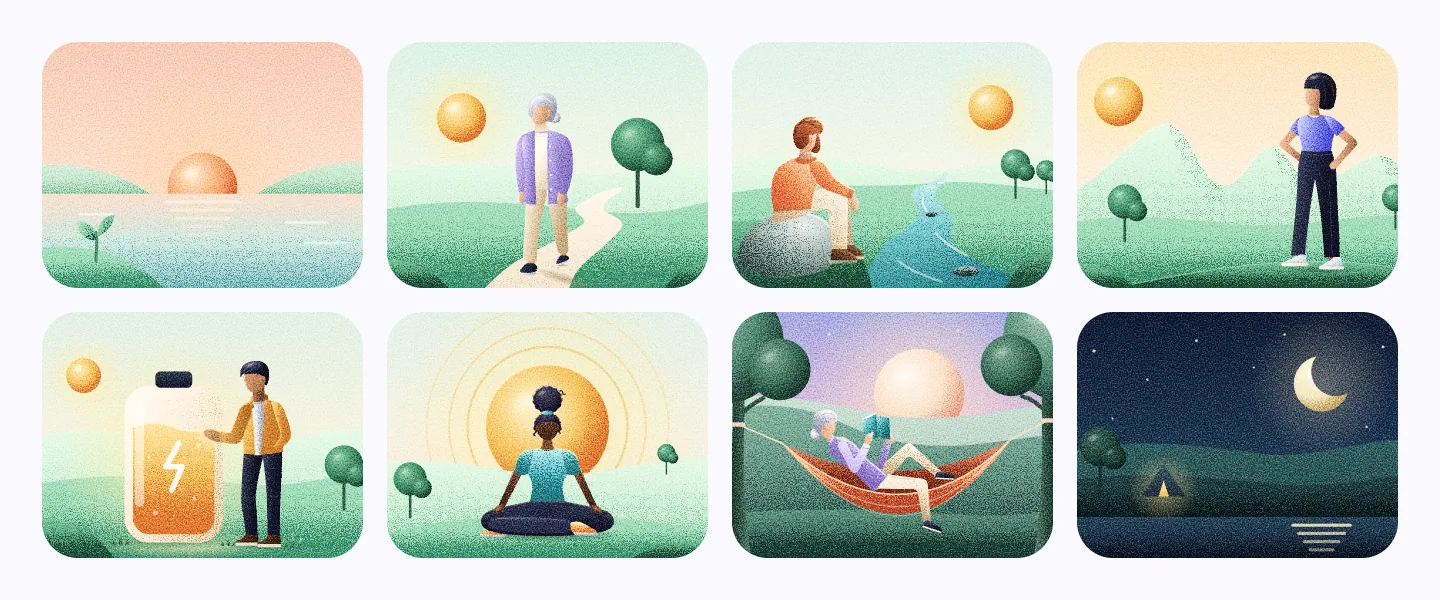
From the welcome to "Are you ready?", the onboarding teaches the method before the first question. Every step features someone from the app’s cast.
02 — The prototype
Try it before you read
It has 15 screens, and what you do is saved. Answer the check-in and the river on the home rises or falls with your answers, and so do the red flags on the result. If you prefer, let the tour walk through the screens.
Jump to
Use it like a phone: answer the check-in and watch the river rise or fall. The data is fictional and stays in your browser.
Screens marked "was a wireframe" were only sketches in my file and were designed for this prototype.
03 — Decision: refine
Keep the design and work on what Figma doesn’t show
The rule was not to reinvent. The file’s visuals stayed as they were, and the work went into what a design file doesn’t show: what happens after a tap, and charts with real data.
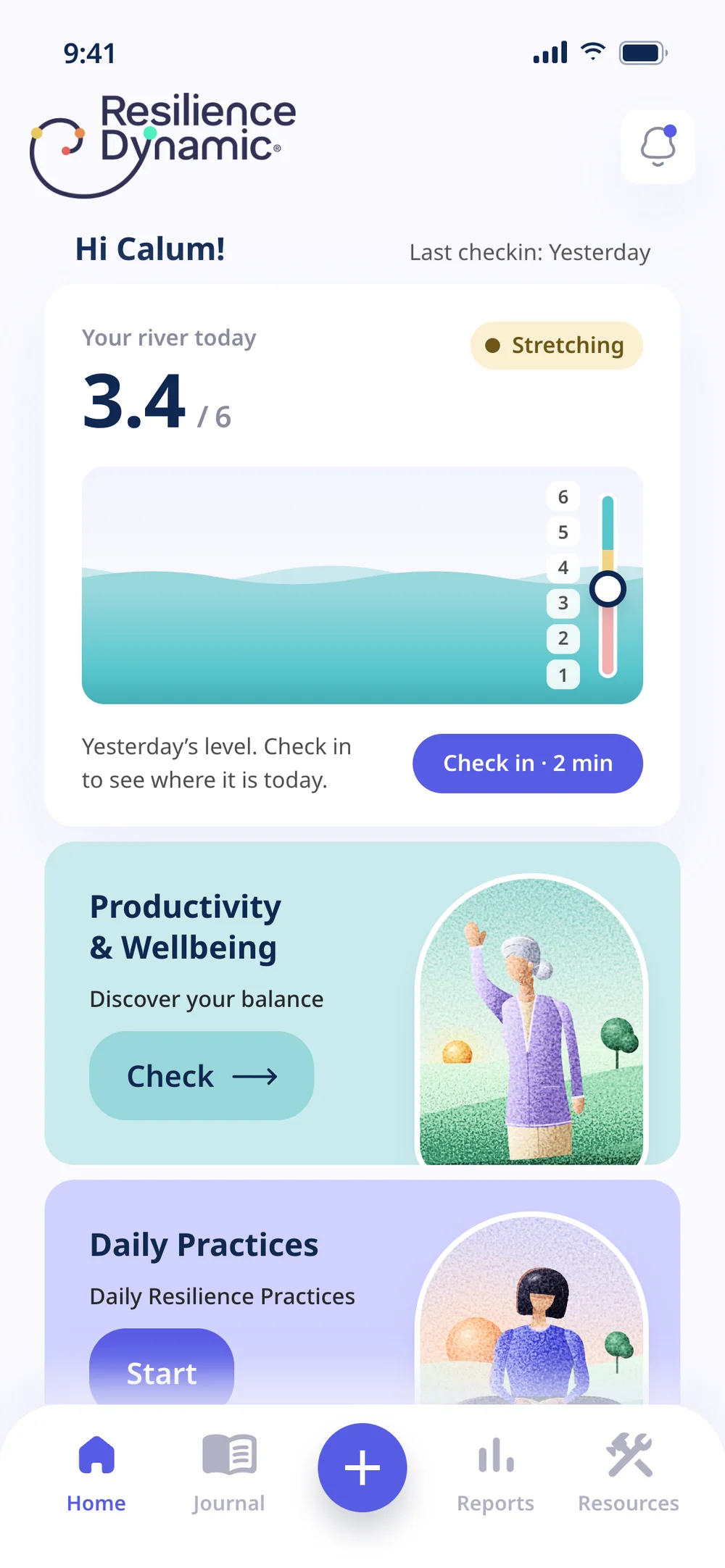
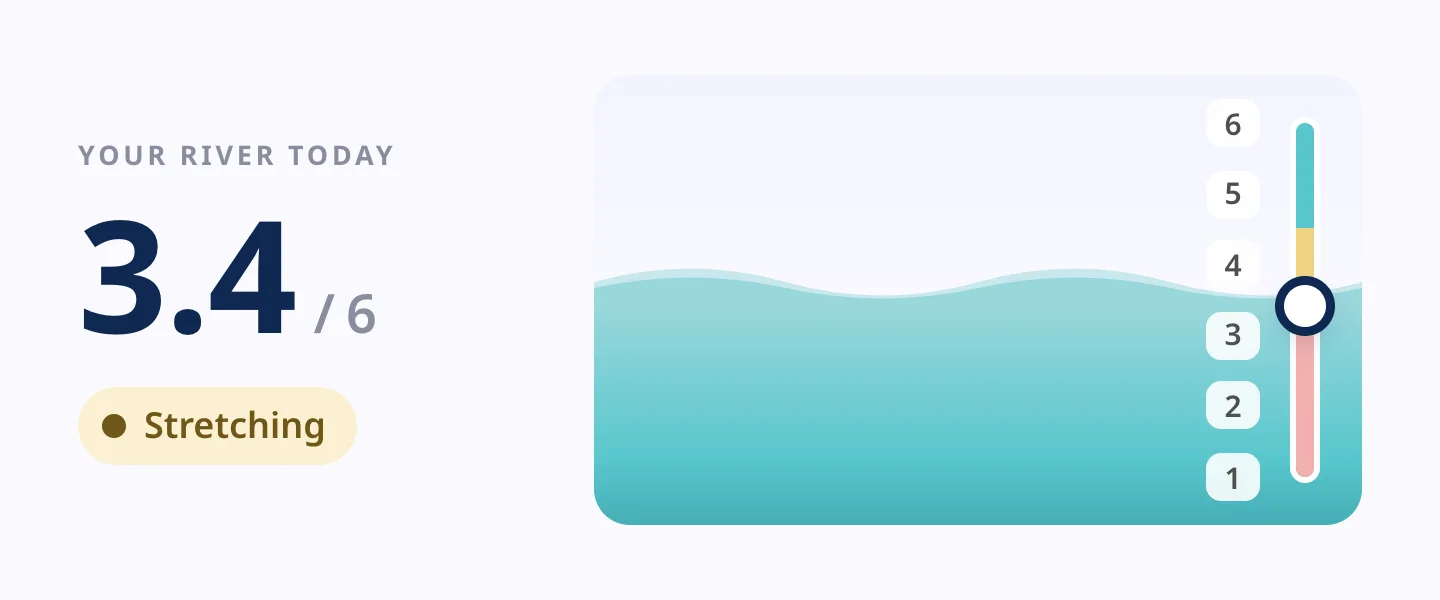
The home was a menu of four cards, and the only data on screen was the date of the last check-in. It gained one new component at the top, today’s river, with the level and the zone. After a check-in it rises or falls, and people see at once where they stand.
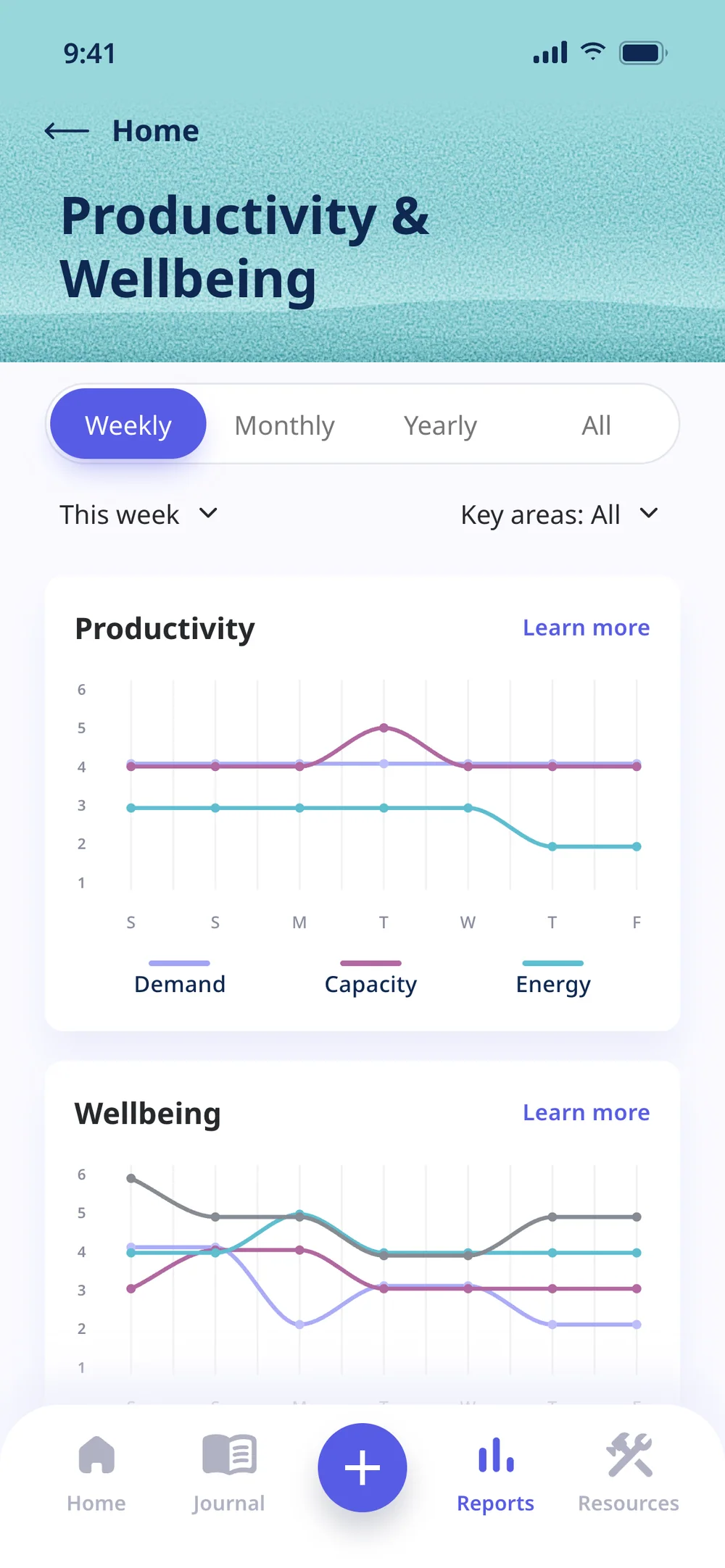
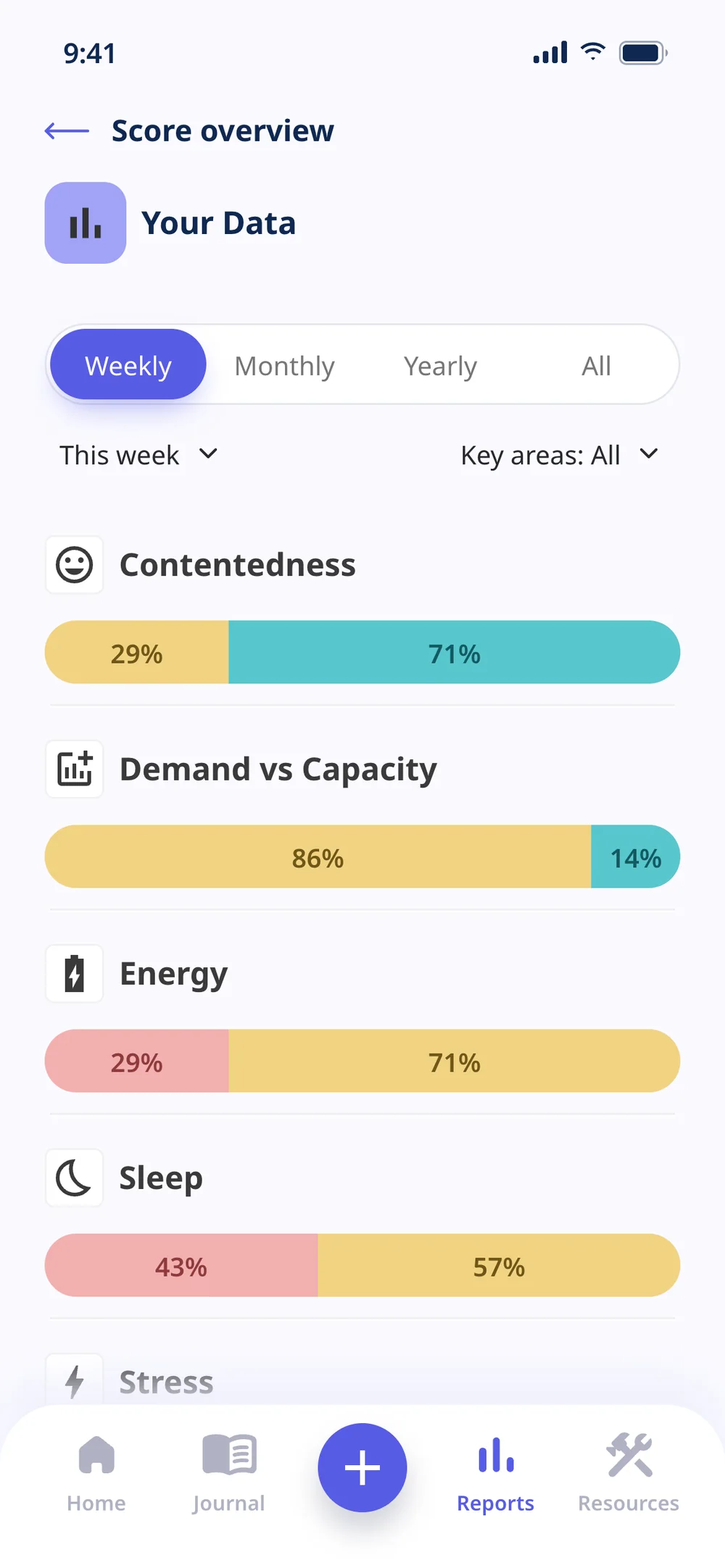
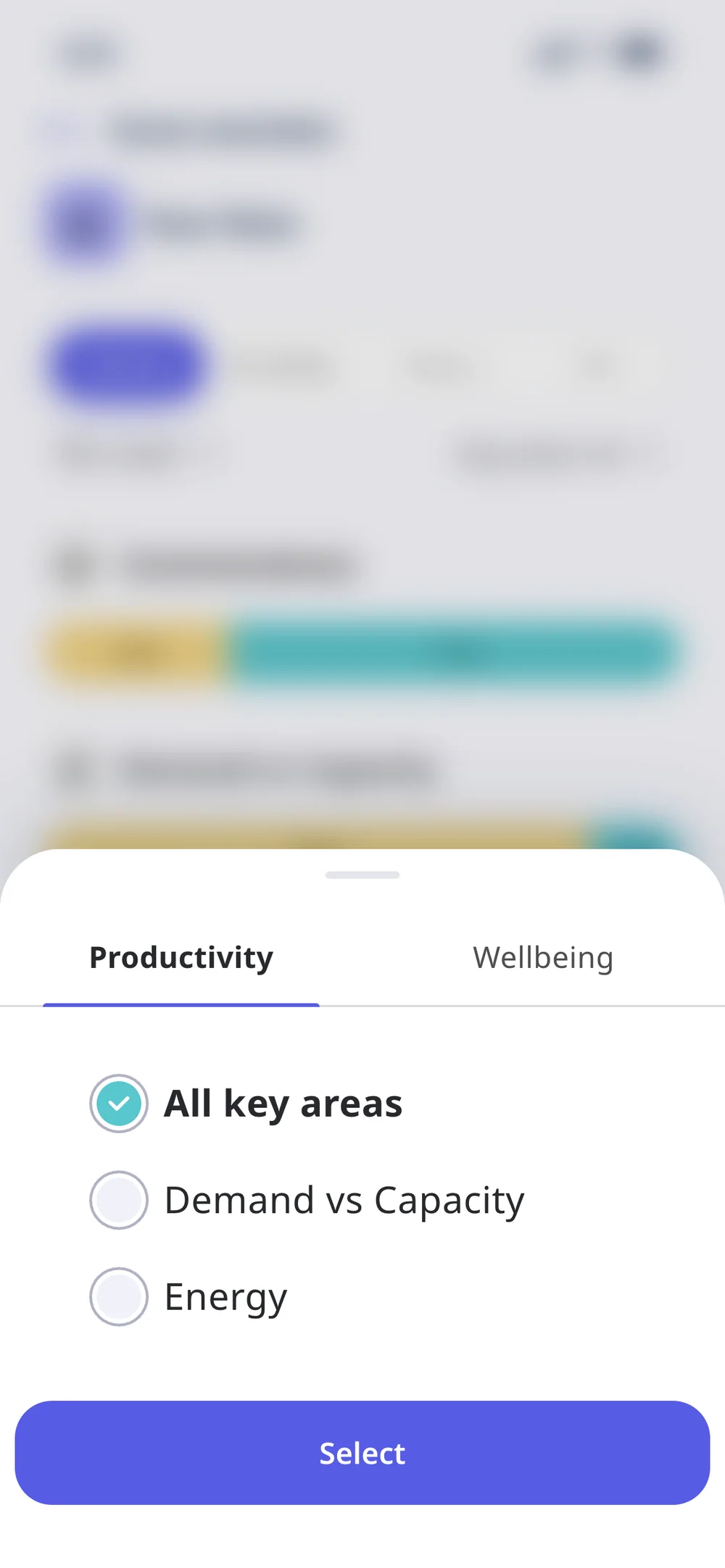
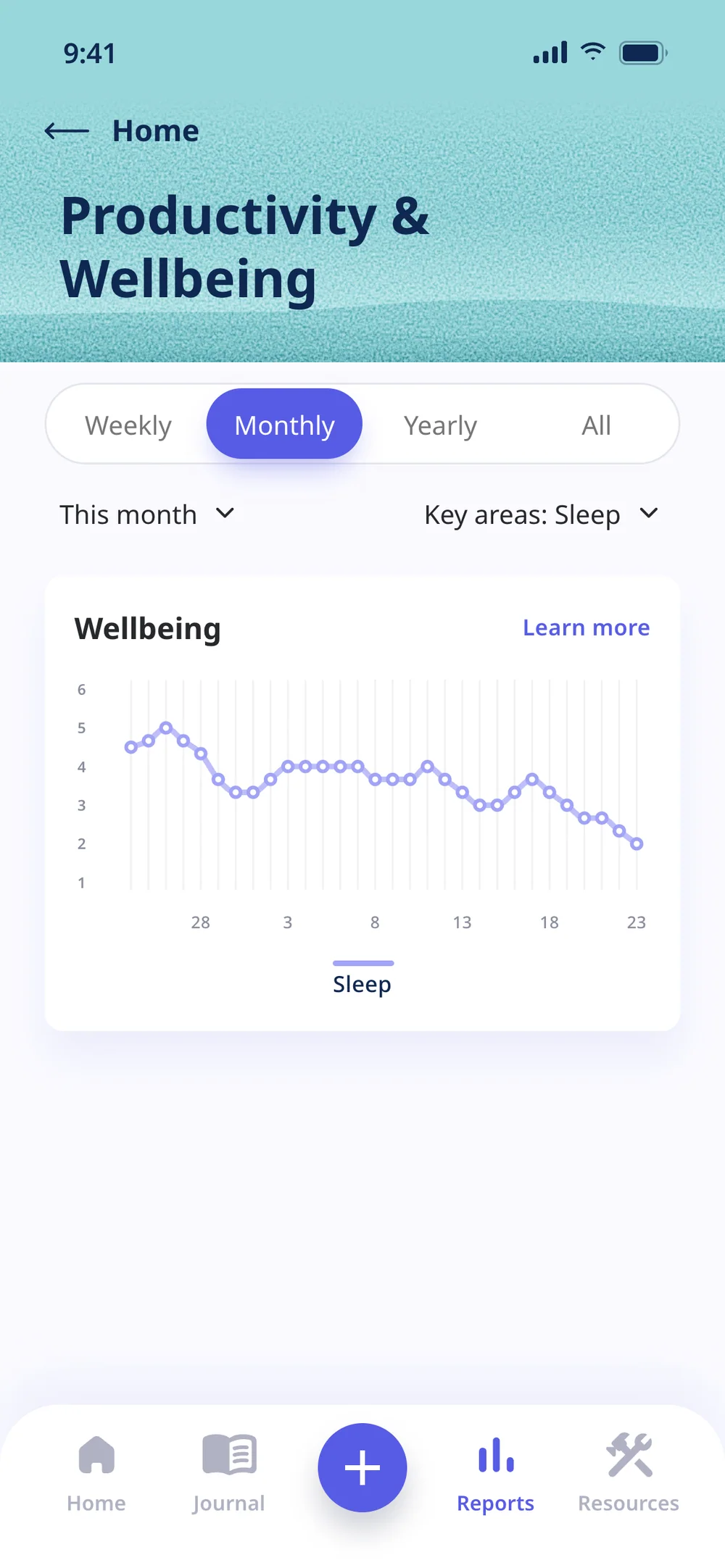
The line charts already answered the right question: how each area moved over the period. Now the lines come from the person’s own history, filtered by period and by area, and every chart has a table for screen reader users.
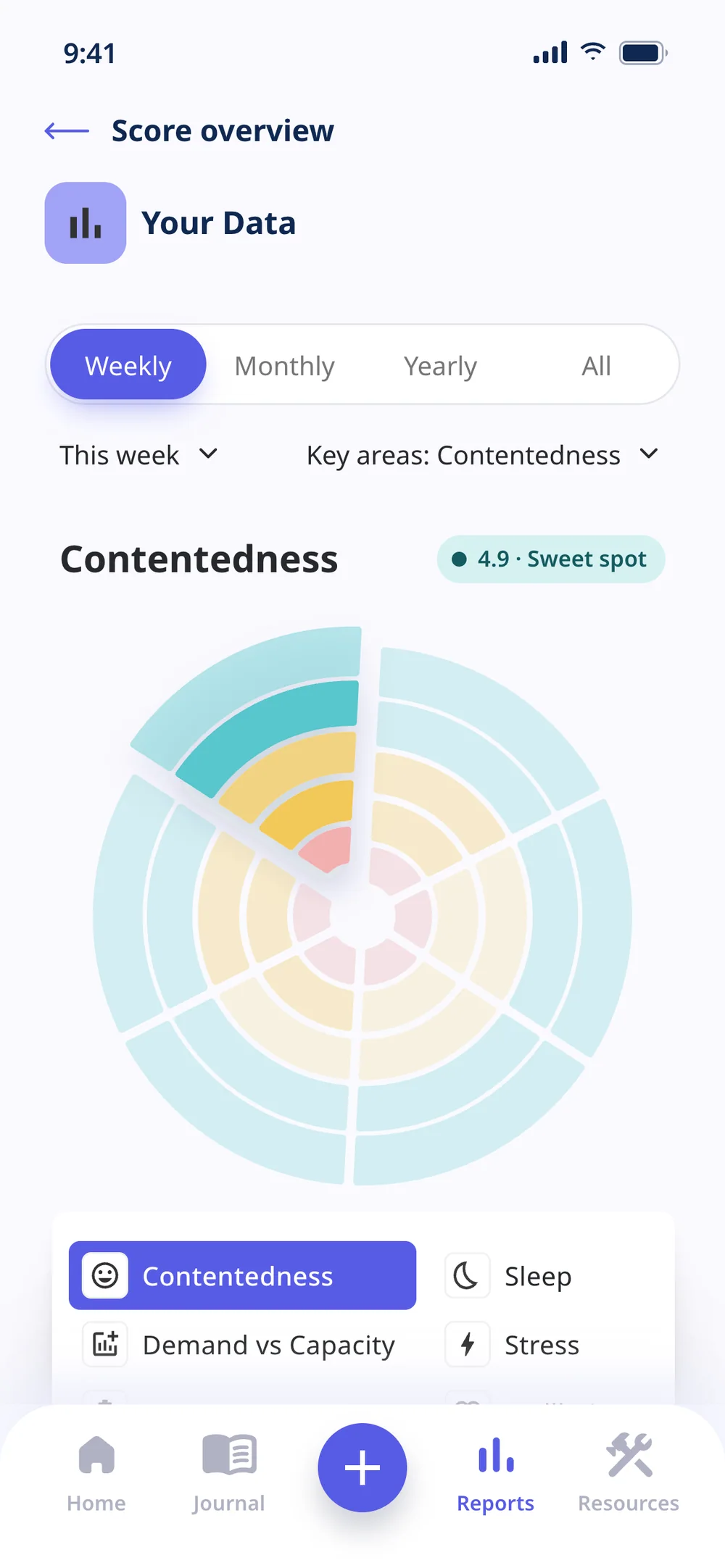
On the polar chart, only the legend said which area was on screen. The chosen area moved into the title, with its average and zone, and the legend became a selector.
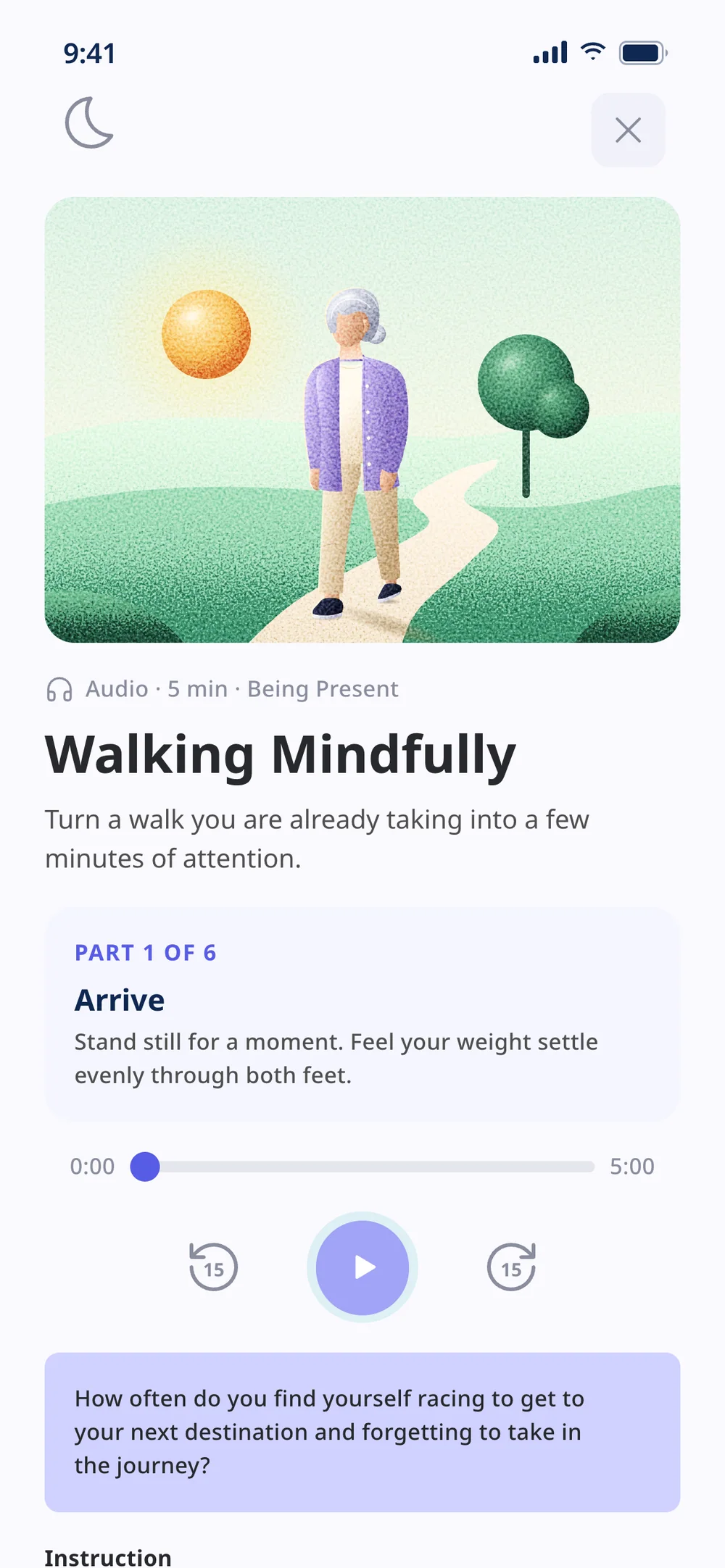
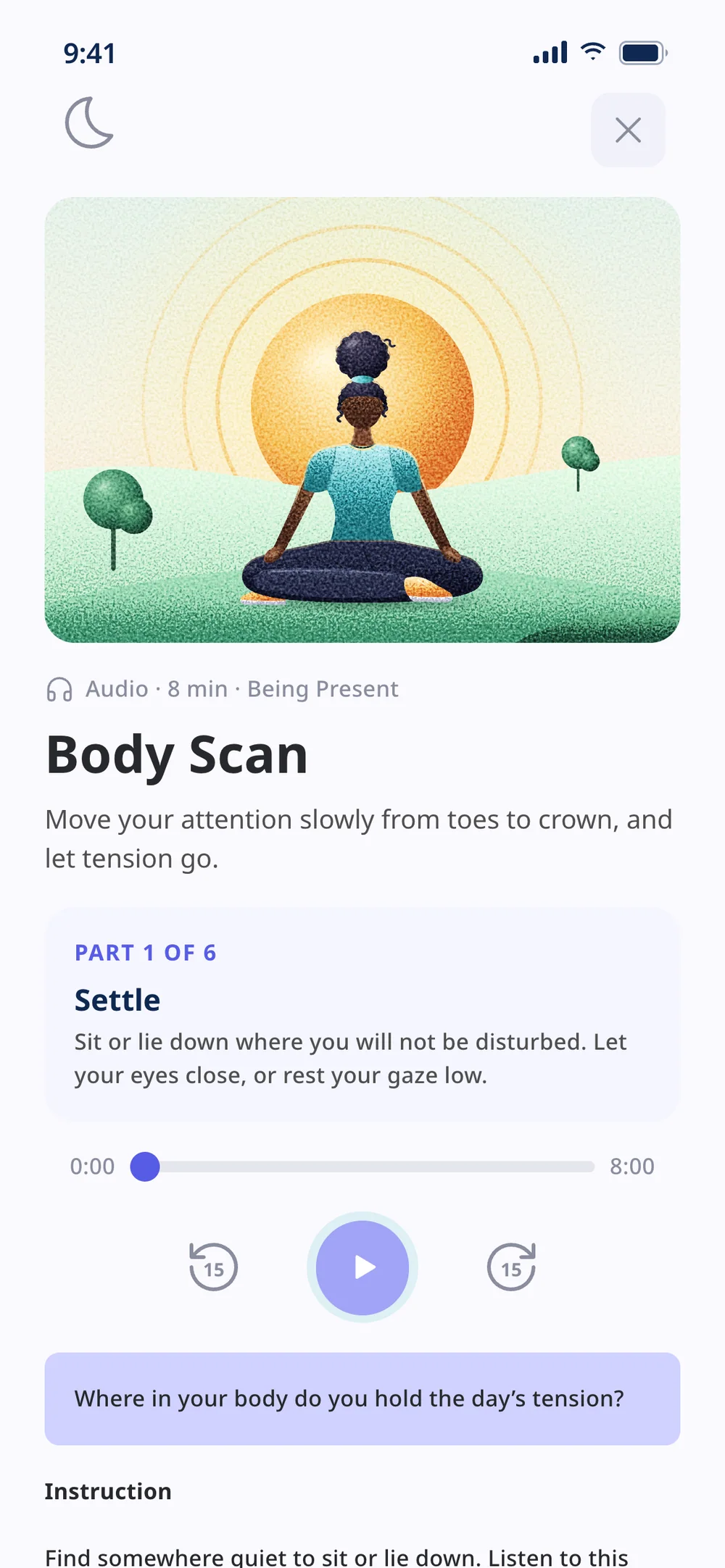
In the guided practice, the light teal text fell below minimum contrast and the instructions were one run-on block. The text moved to the system’s own Deep Blue, and the instructions became parts that follow the audio.
The home with today’s river, the charts filtered by area, the polar chart with the area in its title and the practice split into parts.
04 — Decision: the missing screens
The core loop, designed with what the system already had
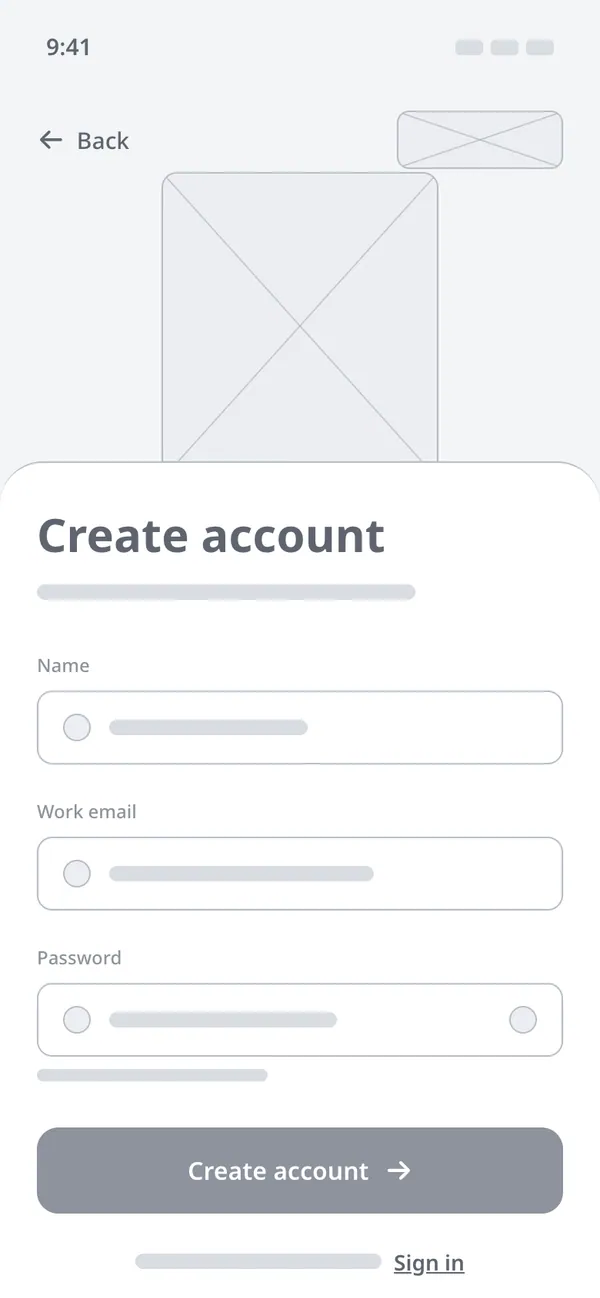
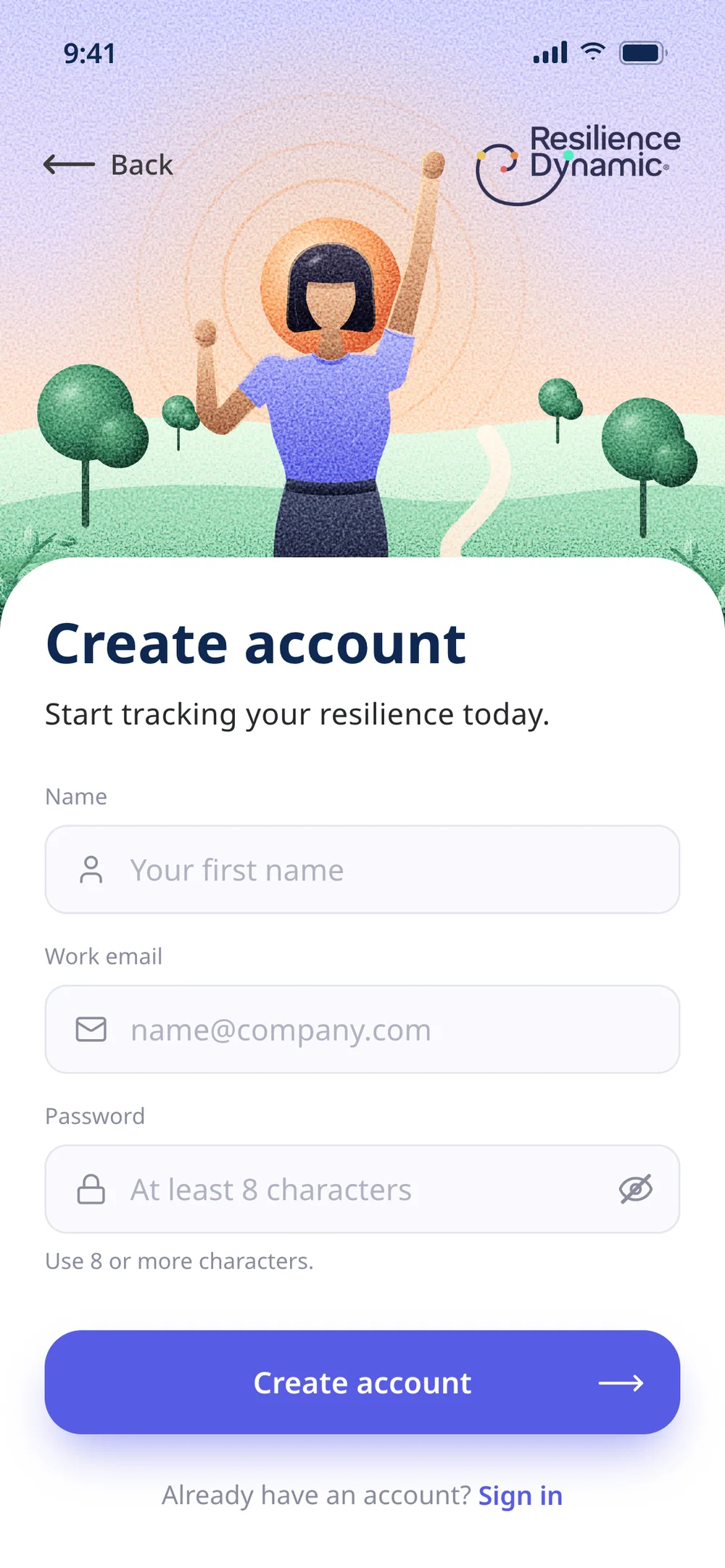
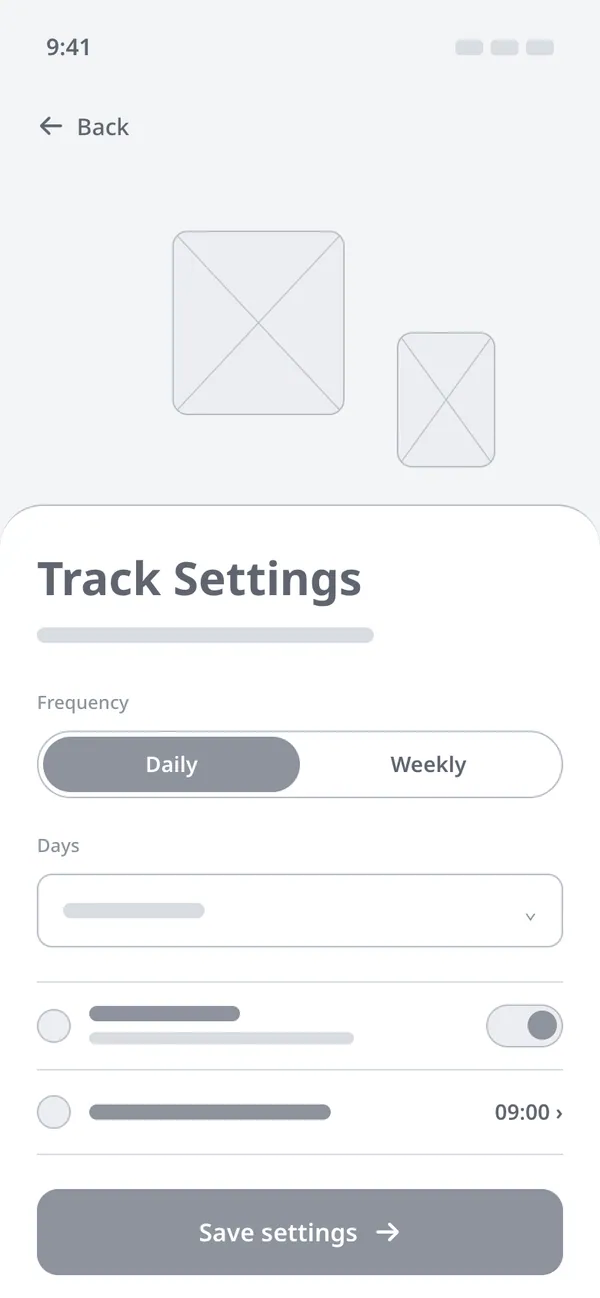
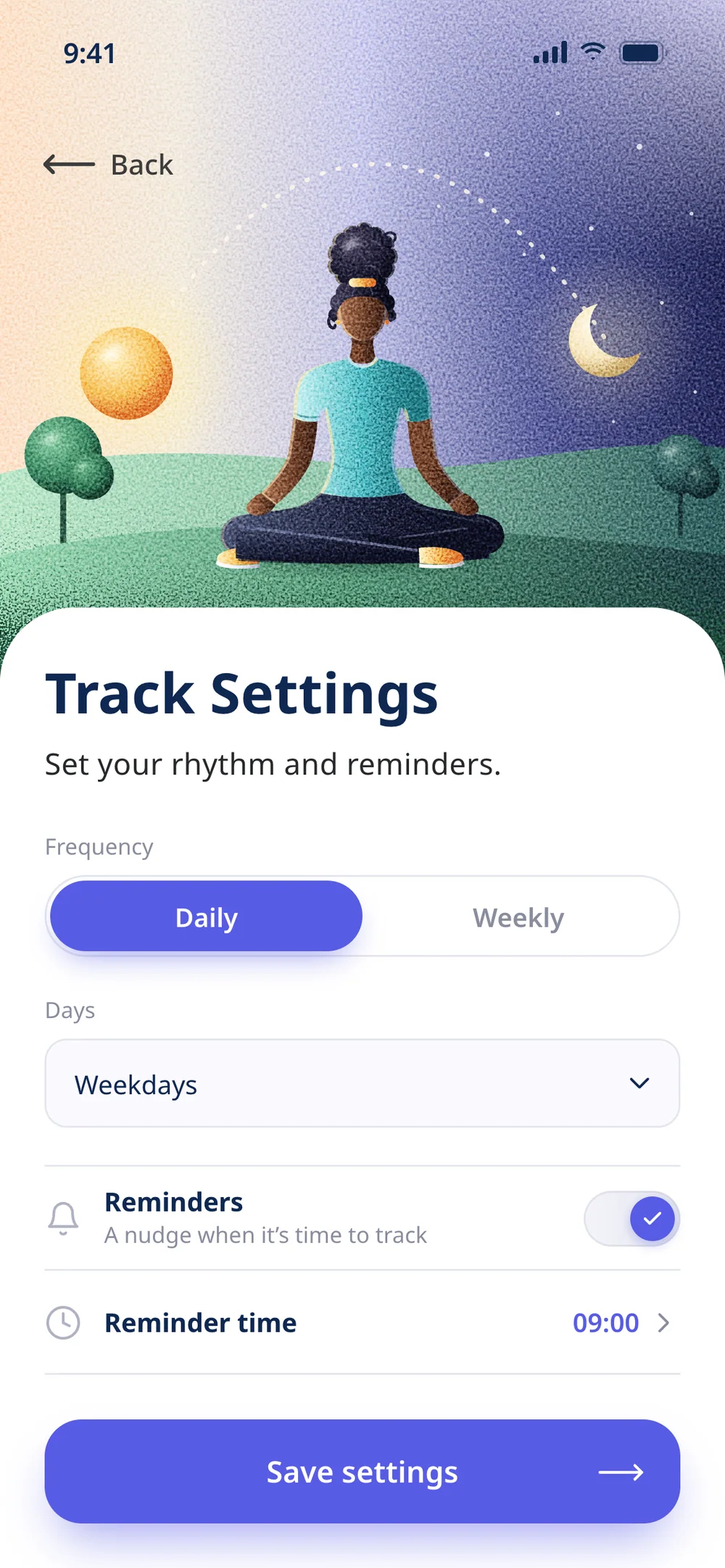
In the file, the four screens that make the product work were still wireframes. Instead of creating a new language, I built each one from the system’s own pieces, from the onboarding panel to the fields and toggles, with the same landscapes as the rest of the app.
Wireframe
Prototype
01 — Create account
Principle: Error prevention
A sign-up error shouldn’t appear before someone has finished typing. Fields only flag an error once you leave them, and the password can be shown. The same screen becomes "Sign in" with one tap, and the look comes from the onboarding: the lilac panel with the last step’s scene and the white sheet.
Wireframe
Prototype
02 — Track settings
Principle: User control and freedom
A check-in only becomes a habit if it arrives at the right time. People choose the frequency and the reminder time, all with components the system already had. The first time round, settings come before the check-in and lead straight into it.
Wireframe
Prototype
03 — Check-in
Principle: One question at a time
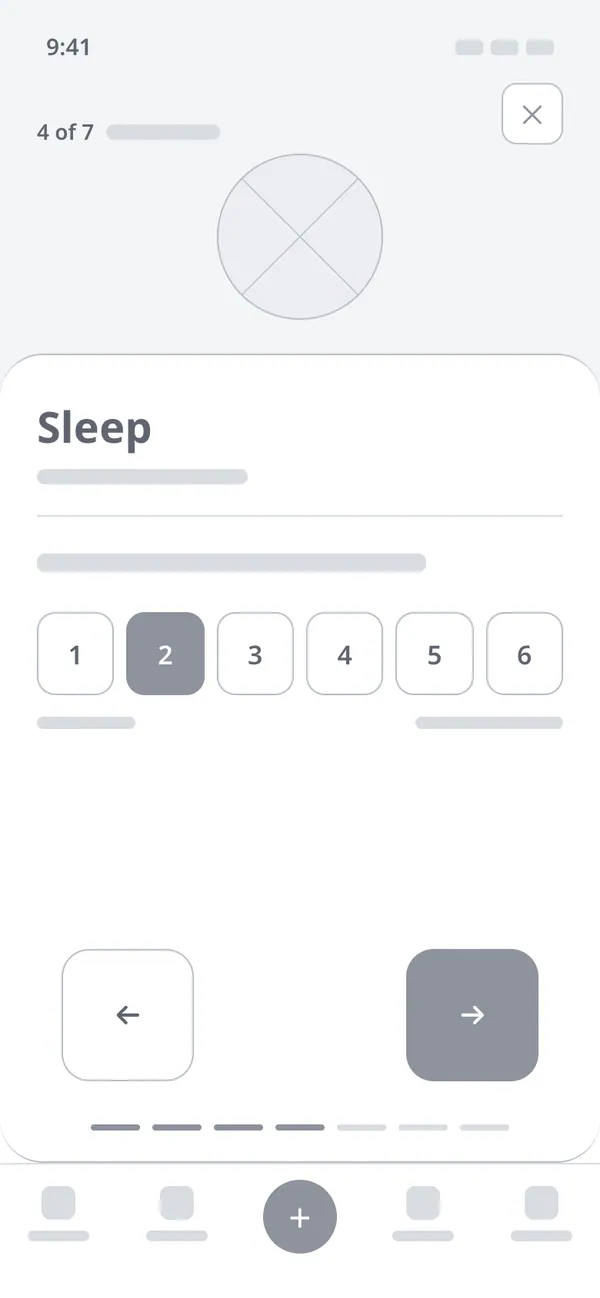
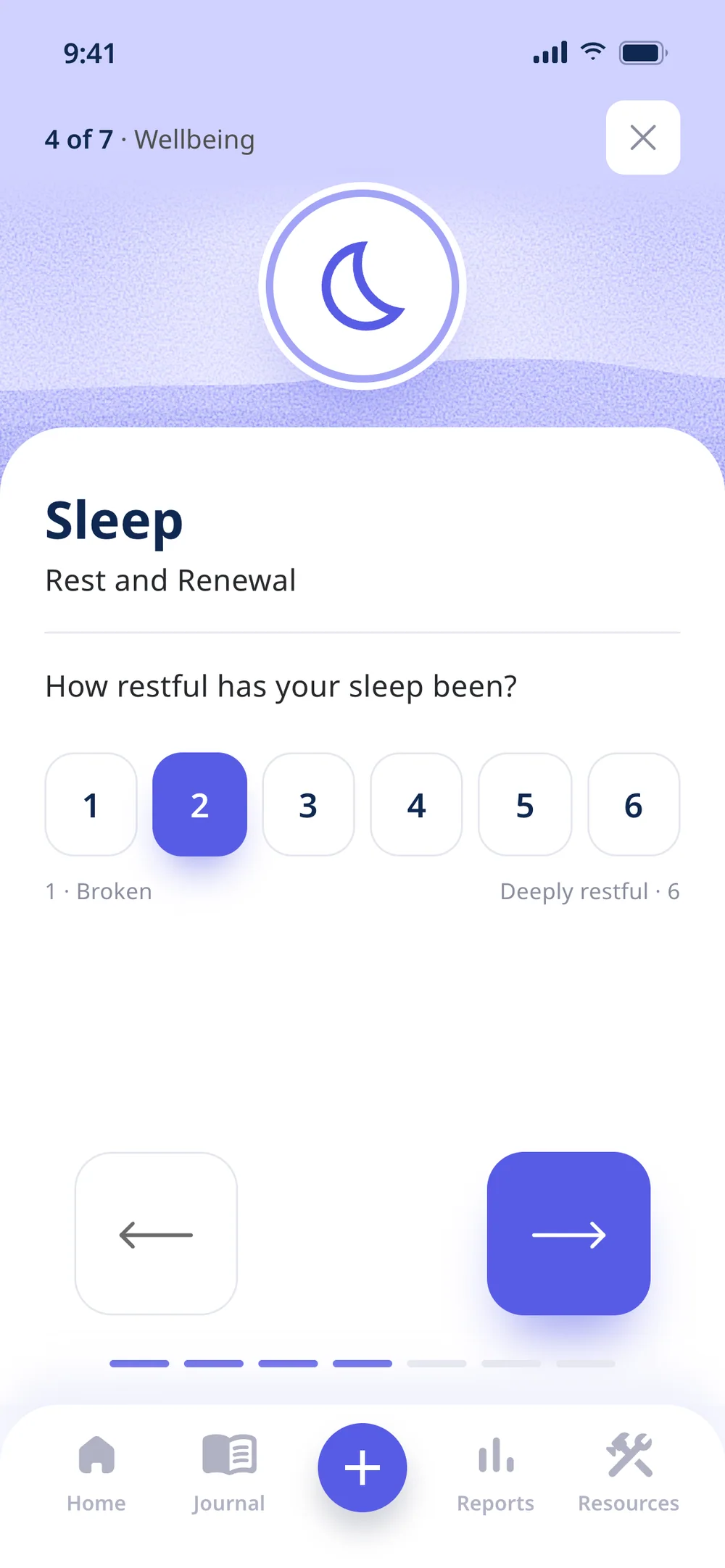
The check-in has to fit into two minutes. It asks one question per screen, on a 1–6 scale where 6 is always the better end, stress and demand included. Tapping a number confirms and moves on, and on the last question the arrow becomes "See my results".
Wireframe
Prototype
04 — Result
Principle: Explain the why
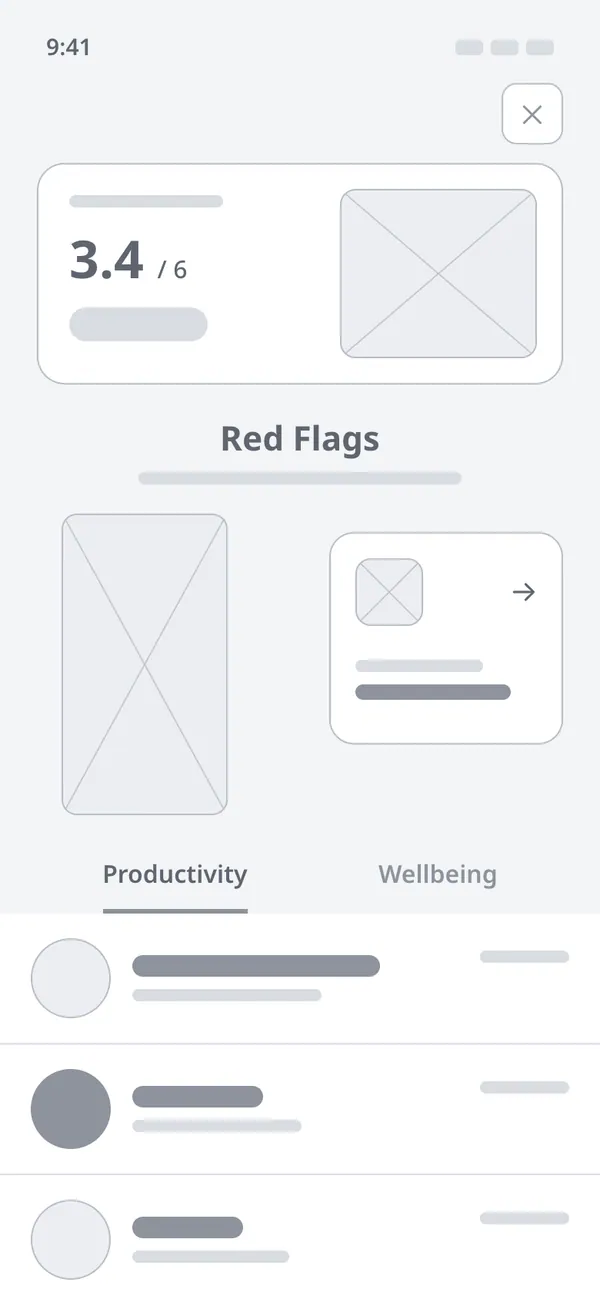
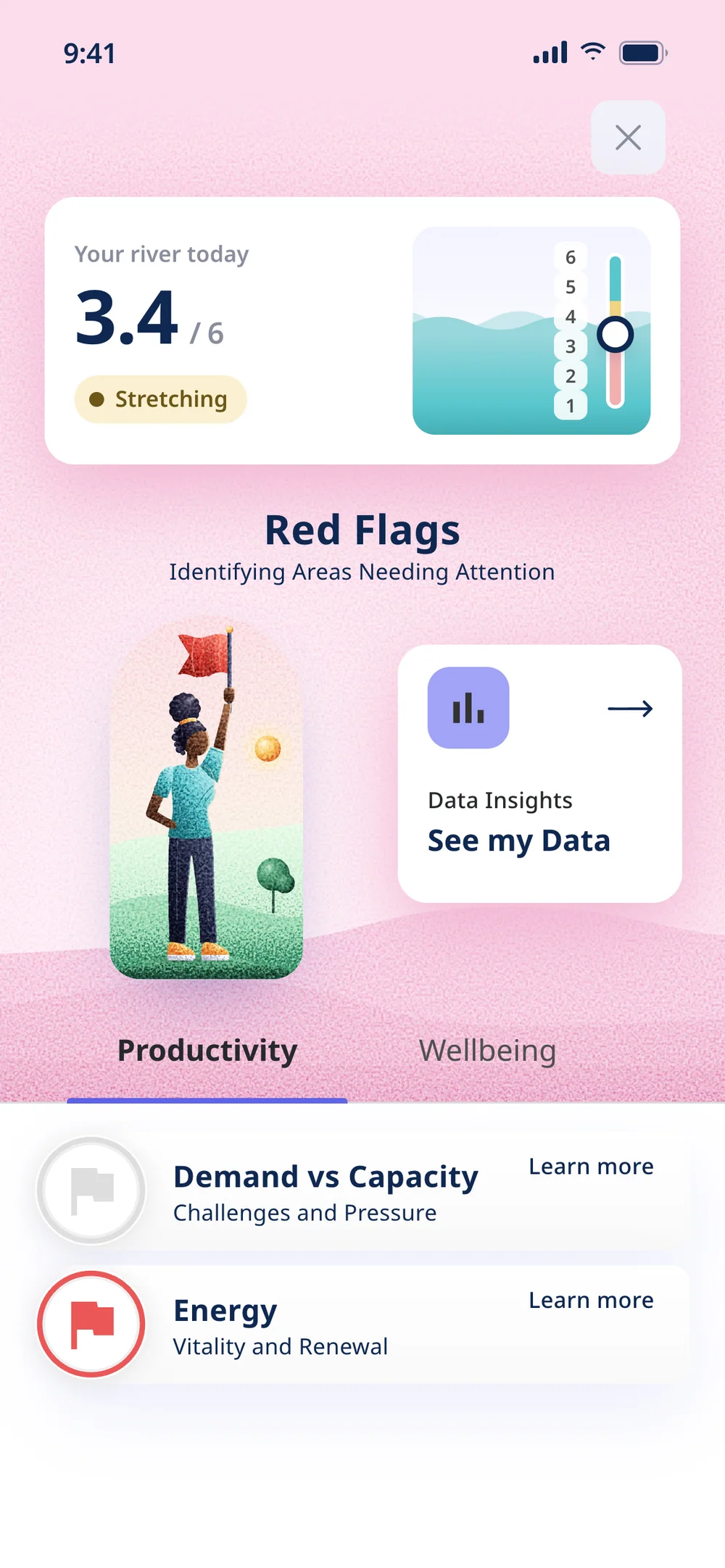
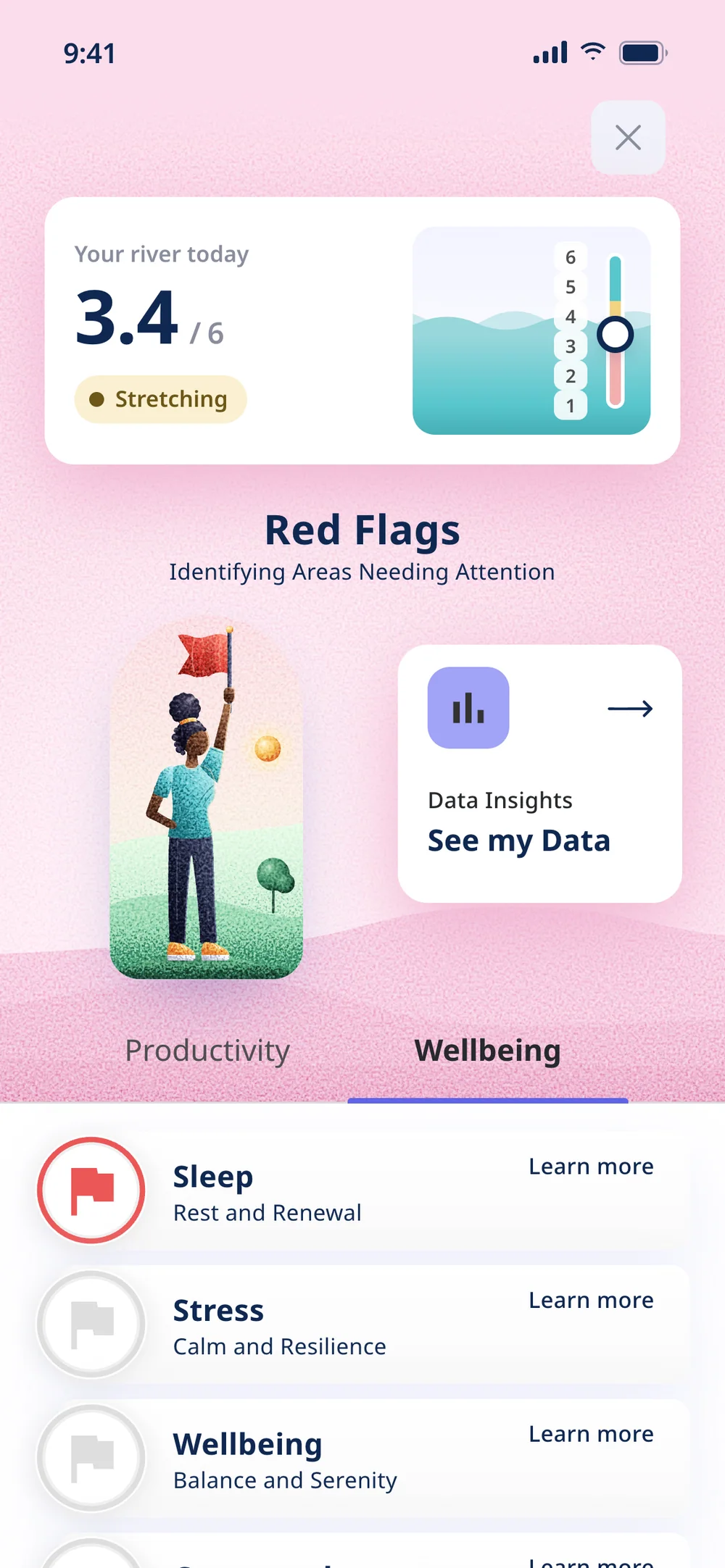
The result has to say what to do now. It starts from the Red Flags screen the file already had and puts today’s river on top. The flag only turns red for areas that fell into the red zone, and each one leads to that area’s pathway or tools.
05 — The system
The file’s system, complete and accessible
The file’s colours and components became the foundation of the prototype. Where contrast fell below the minimum, the fix kept the design: the selected toggle’s white text became Deep Blue on the same lilac.
Today’s river
The home’s only new component shows the day’s level as water, with a 1–6 gauge in the RAG colours. Every zone has a name, such as Sweet spot or Act now, so colour is never the only signal.
One illustration style
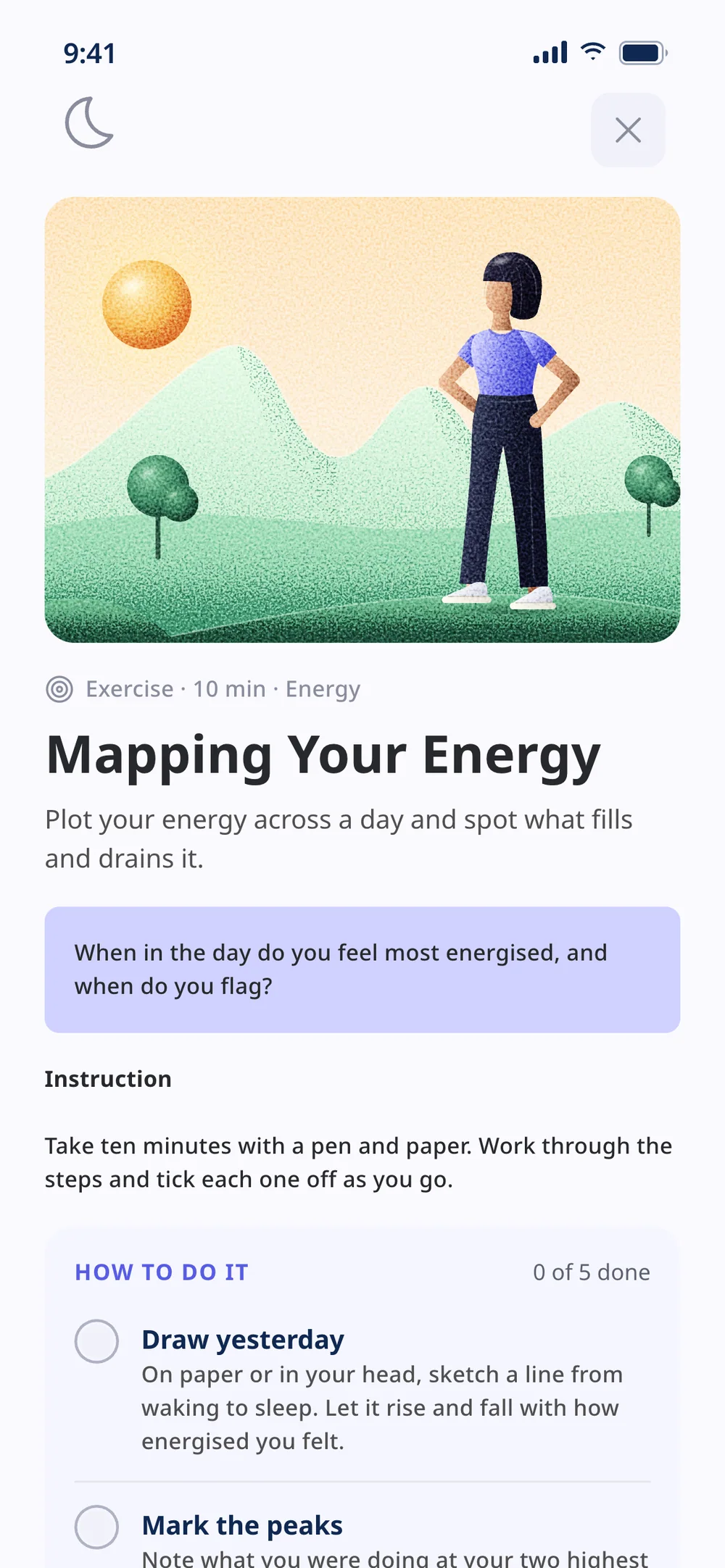
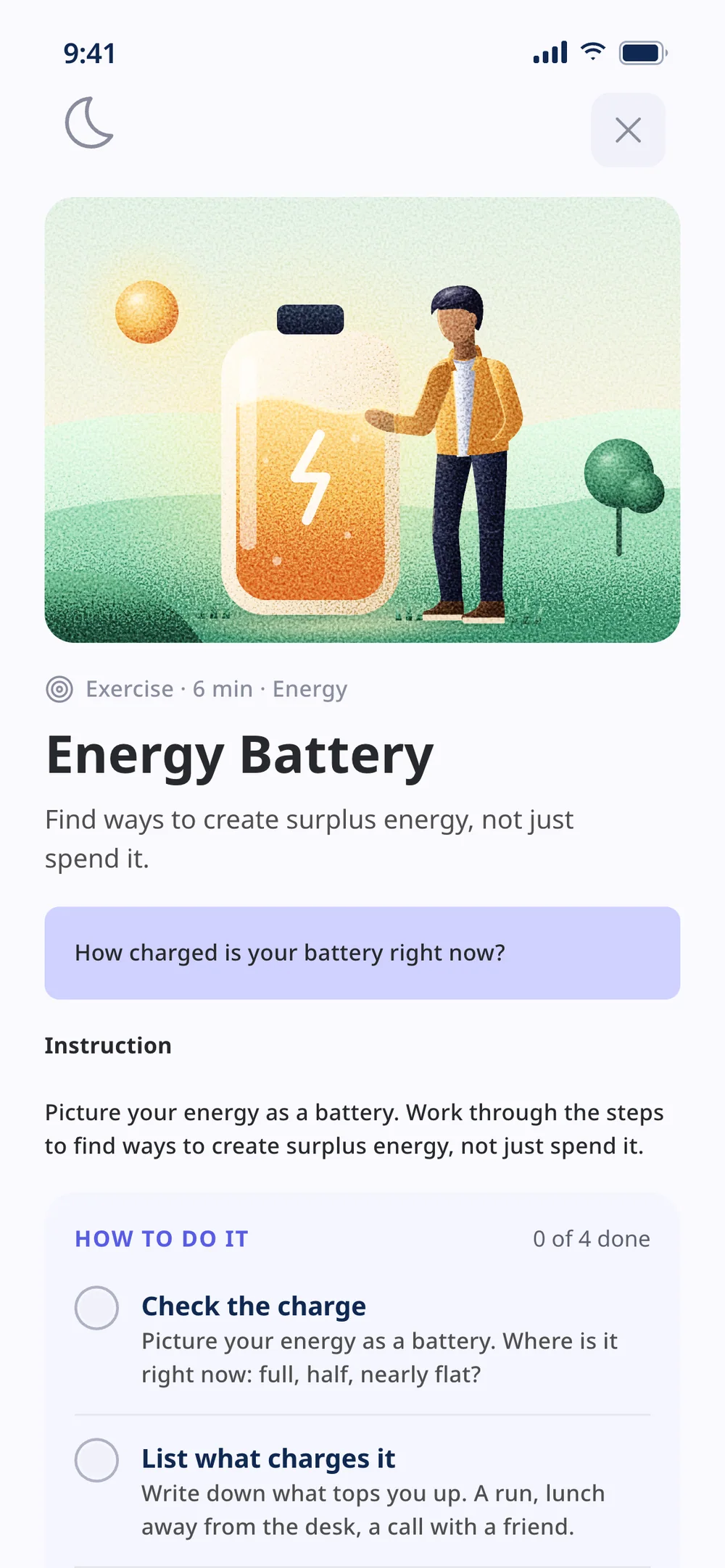
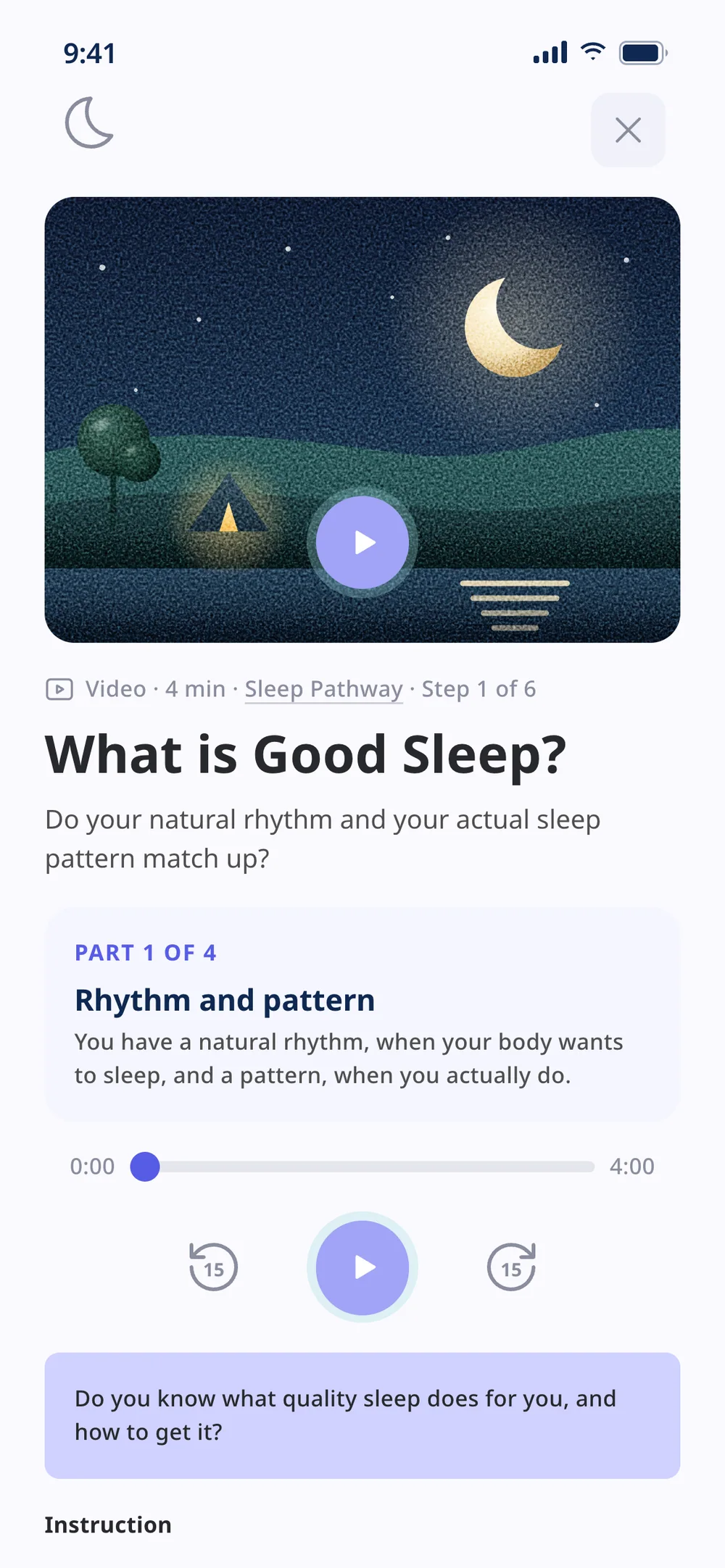
The file’s illustrations mixed different styles. Every one became a landscape with gradient and grain, with a cast of five people drawn up close. Only the time of day changes the palette, from the onboarding to the player.
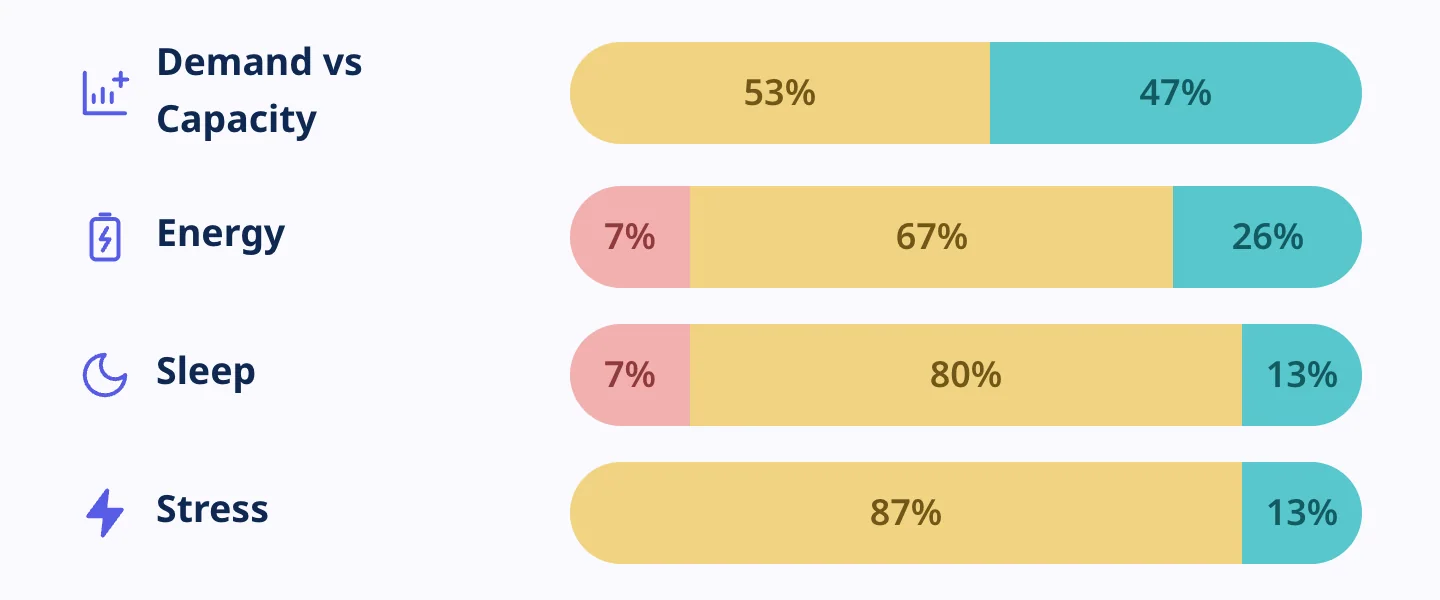
RAG, calculated
In the file, every bar repeated the same sample percentages. Now each bar counts the days the person spent in each zone.
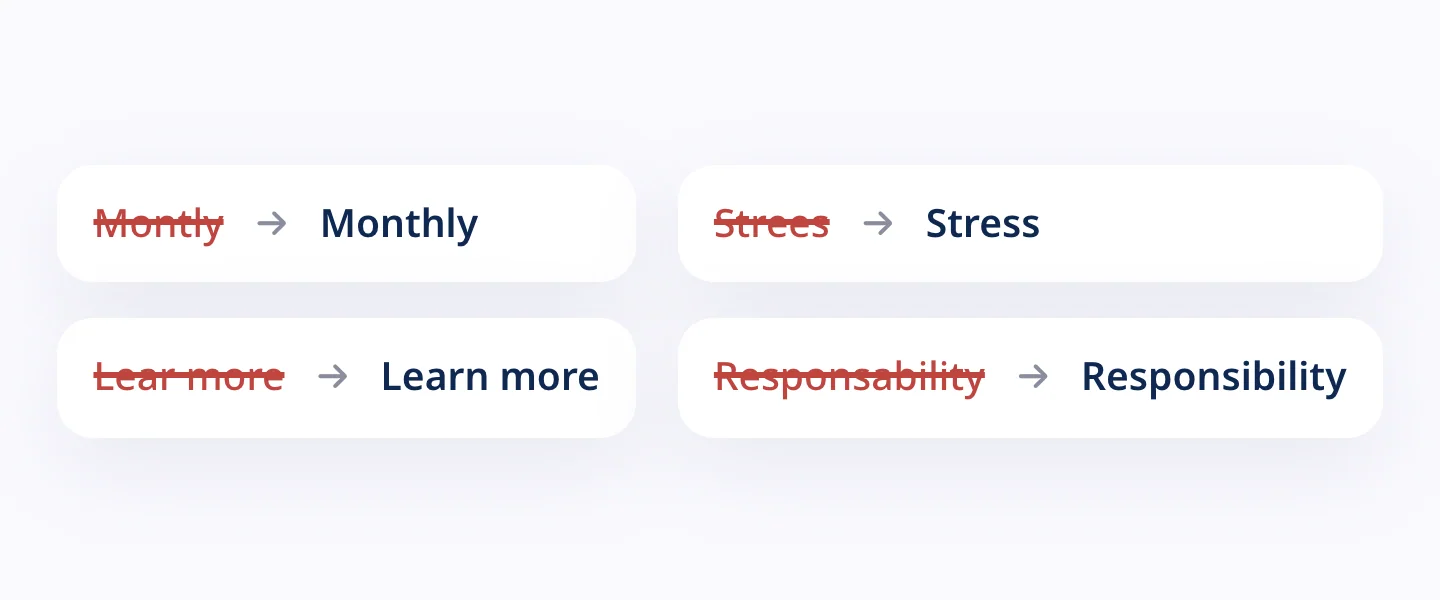
Copy review
Typos that slip by in a design file and can’t reach production.
The file’s palette, intact
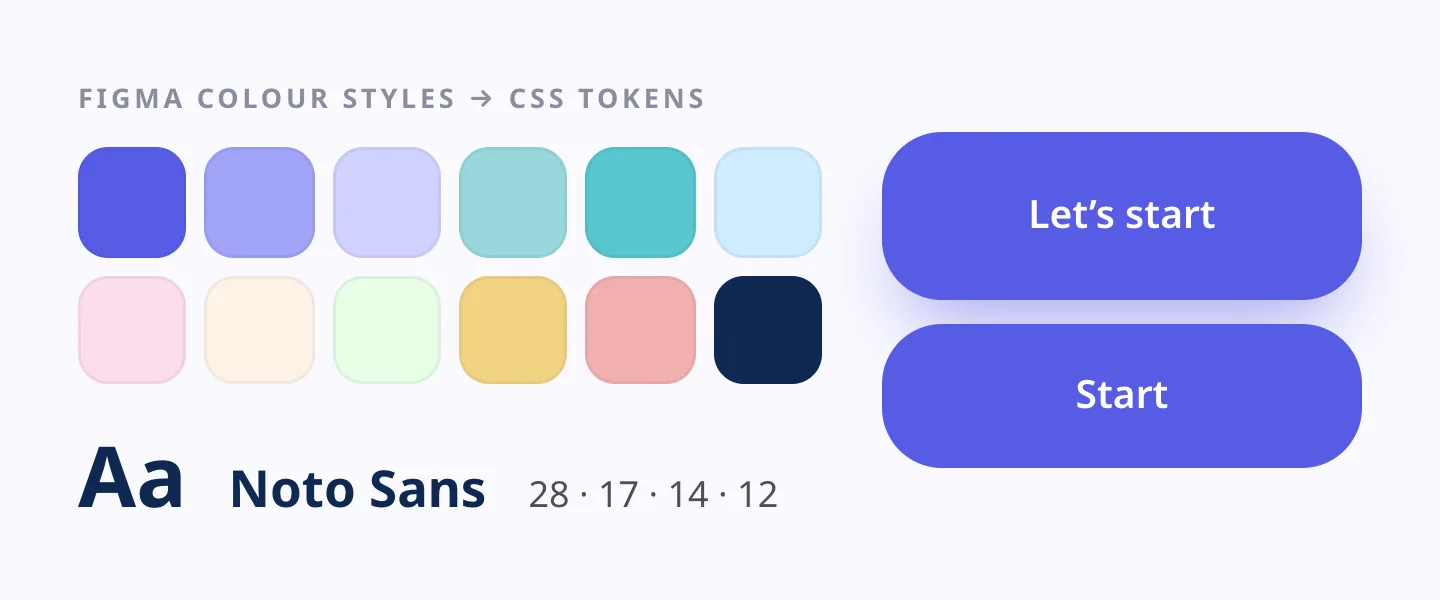
The Figma colours and type scale stay the same. Change a colour and the whole app follows, just as it would in the file.
Light and dark
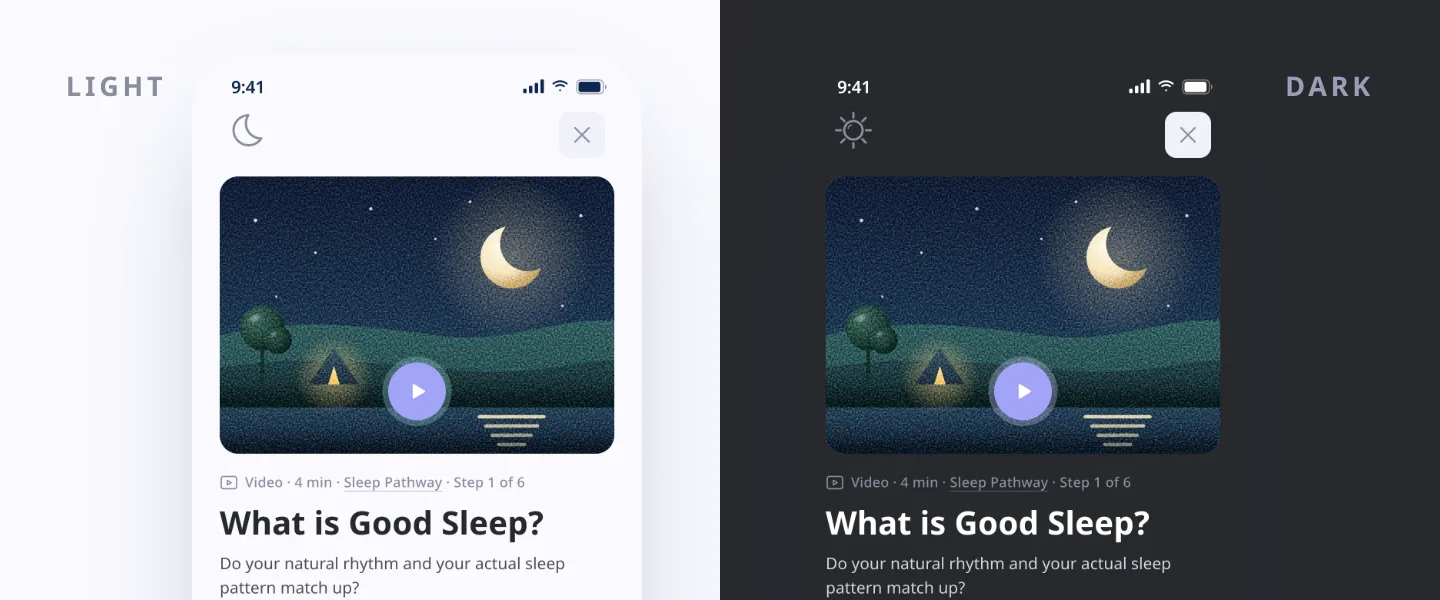
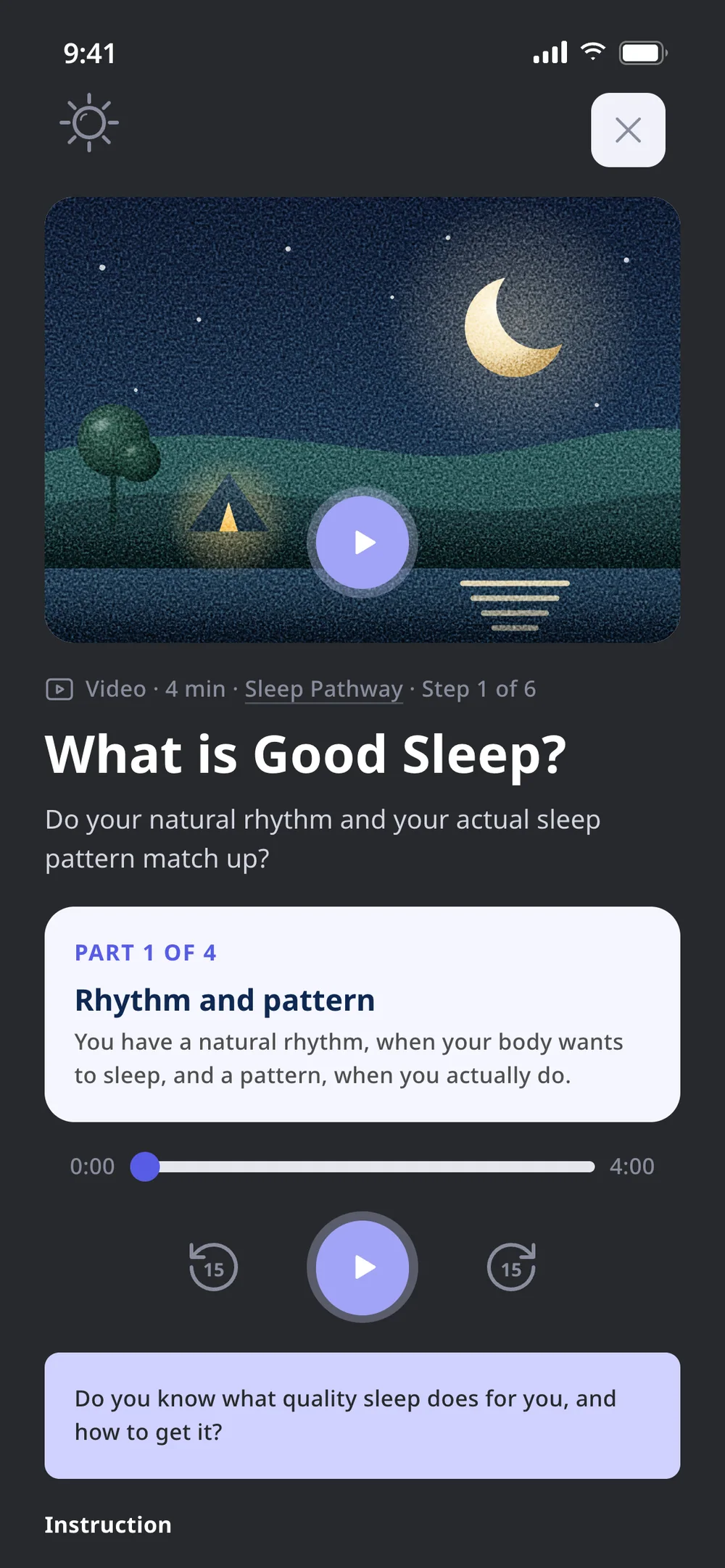
The file already had a moon icon on the player, for listening before bed. Now it switches on a dark theme with reviewed contrast, which is remembered for the next practice.
06 — From check-in to action
Every red flag leads to an action
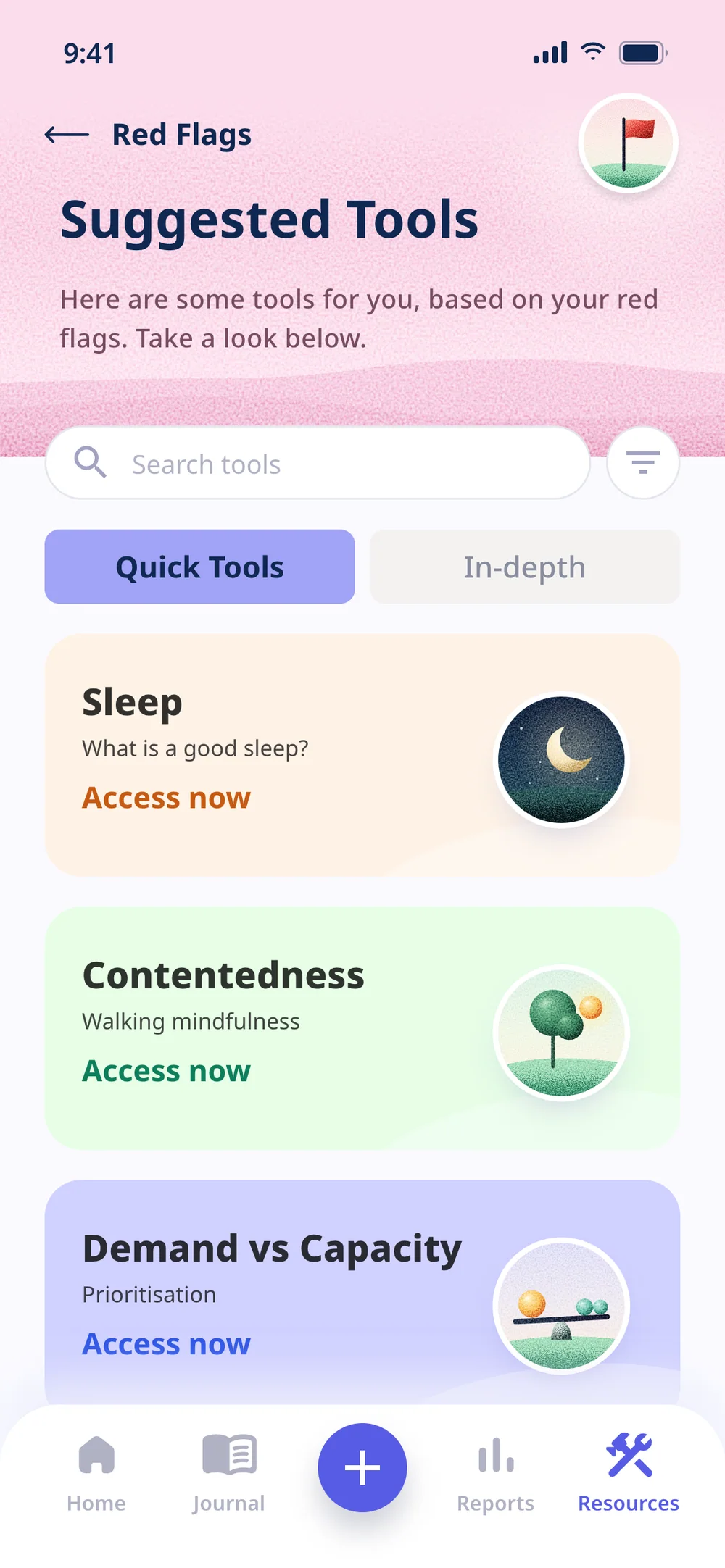
A red flag with nowhere to go only makes people more worried. So every area in the red leads to a quick tool or a longer pathway, and from there back to the data. The file’s screens now link to each other, with today’s check-in running through all of them.
07 — Practice and reflection
Short practices, a journal of your own
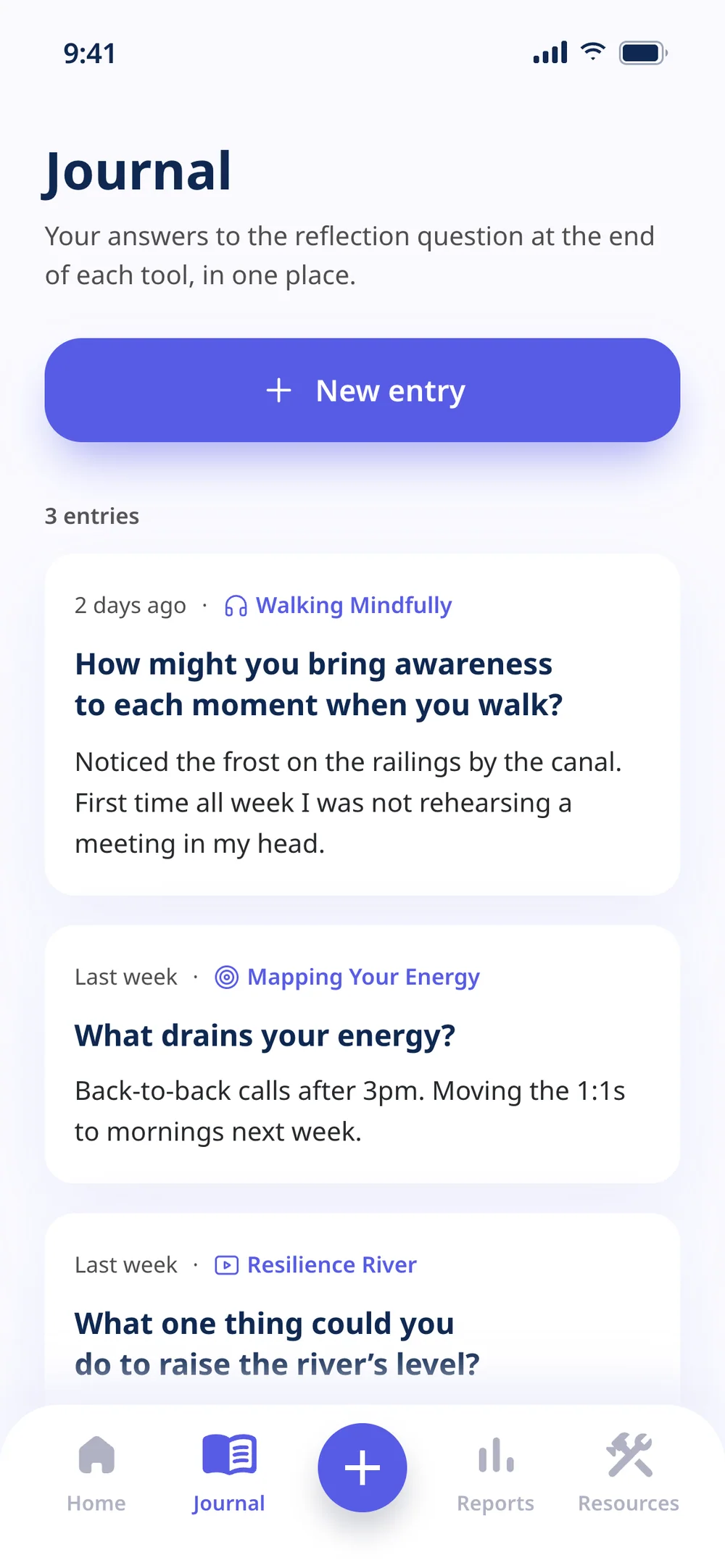
Practice has to fit into the day of someone who is already out of breath. So the daily practices are short and tick off what’s done. Every tool ends with a question, and the answer goes into a journal only that person sees.
08 — How I worked
AI in production, product judgement with me
I started from my own file and decided what stayed and what needed refining. AI agents built the screens, and I reviewed them one by one, from copy to contrast, until the numbers matched from the check-in to the charts.
AI brought the speed. Product judgement stayed with me, and that combination is what takes a design file to something you can test in days, not months.
Outcome
What the prototype delivered
+A design you can touch: 15 navigable screens in place of static frames
+The complete core loop, from sign-up to result, including the four screens that were wireframes
+A check-in that moves the river on the home and the red flags, with charts fed by 28 days of history
+Contrast fixed where the file fell below the minimum, without changing the design
+One illustration style from the onboarding to the player, with people drawn up close
Tools
FigmaHTML, CSS and JavaScriptAI agentsPlaywright
Got a design in Figma that needs to become something people can touch?
I take it from the file to a product you can use and test, without losing the design, in days.